Shaking Water Baths
29
8.5. Setup for remote control
If the shaking water bath is to be remotely controlled or monitored,
the parameter of the menu option REMOTE must be changed and
set from 0 to 1.
REMOTE 0 = Keypad control
1 = Remote control via RS232 interface
1. Press and at the same time.
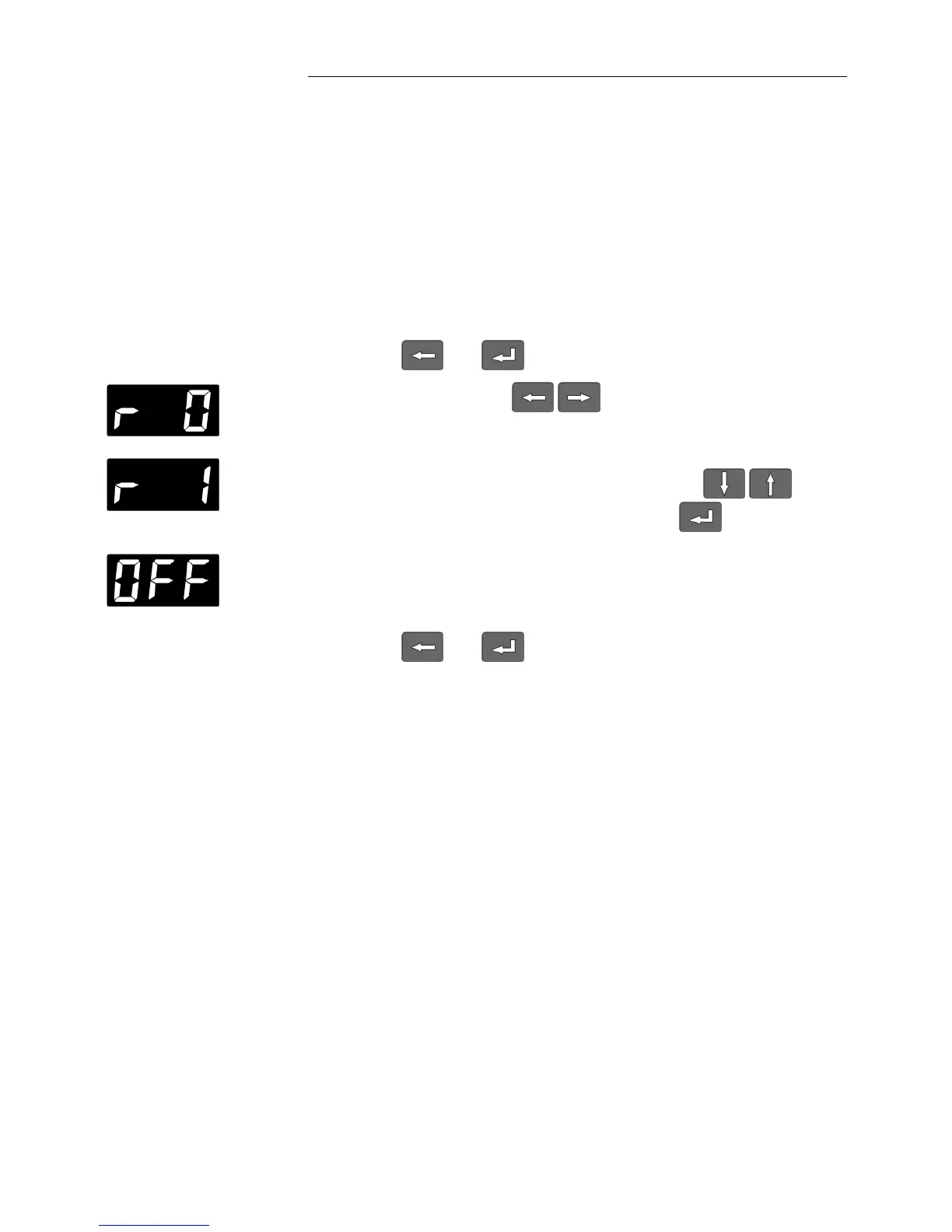
2. Use the cursor keys to select the menu option
REMOTE
(display „r 0“).
3. Select the alternative state with the edit keys and
confirm the selection with the ENTER key (display „r 1“).
The shaking water bath will switch to the REMOTE „STOP“
condition and the MULTI-DISPLAY will show the message
„OFF“.
4. Press and at the same time.







 To Next Page