Menu functions
30
8.6. Adjusting interface parameters
Correct data transmission takes place only when the interface
parameters of PC and water bath are identical.
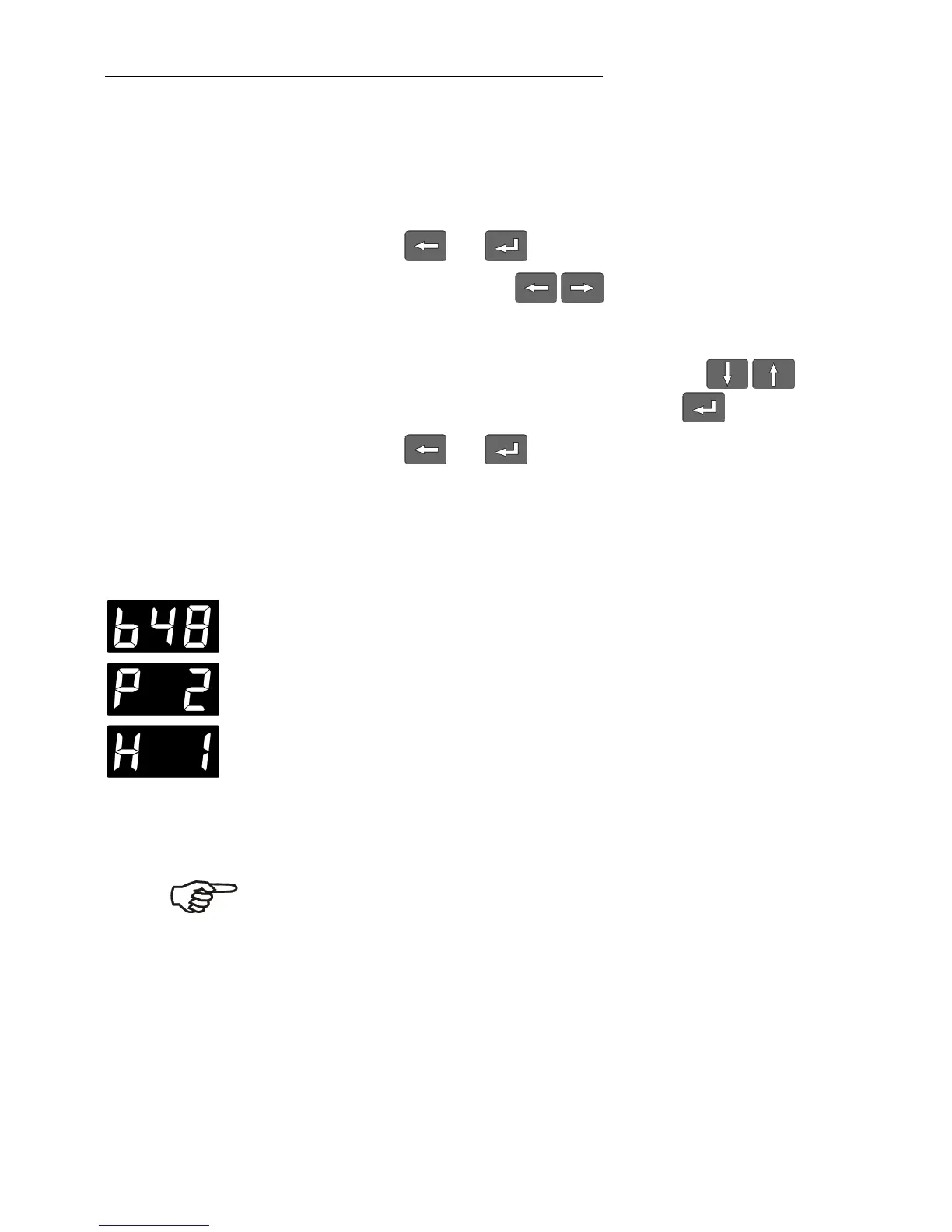
1. Press and at the same time.
2. Use the cursor keys to select the desired menu
option
(BAUDRATE, PARITY, HANDSHAKE).
3. Select the alternative state with the edit keys and
confirm the selection with the ENTER key .
4. Press and at the same time.
Adjustable interface parameters
BAUDRATE 48 = 4800 bauds *
96 = 9600 bauds
PARITY 0 = no parity
1 = odd parity
2 = even parity *
HANDSHAKE
0 = Protocol Xon/Xoff (software handshake)
1 = without handshake *
Data bits = 7; Stop bit = 1 *
(*Factory setting)
Like all parameters which can be entered through the keypad,
interface parameters are stored in memory even after the circulator
is turned off.







 To Next Page