Switching on
24
7.3. Adjustment of the shaking frequency
The shaking frequency is adjustable between 20...200 rpm. If
shaking operation is not desired it can be switched off at menu
level. Select the menu level and activate the option SA (see page
26)
Display and adjustment of the shaking frequency
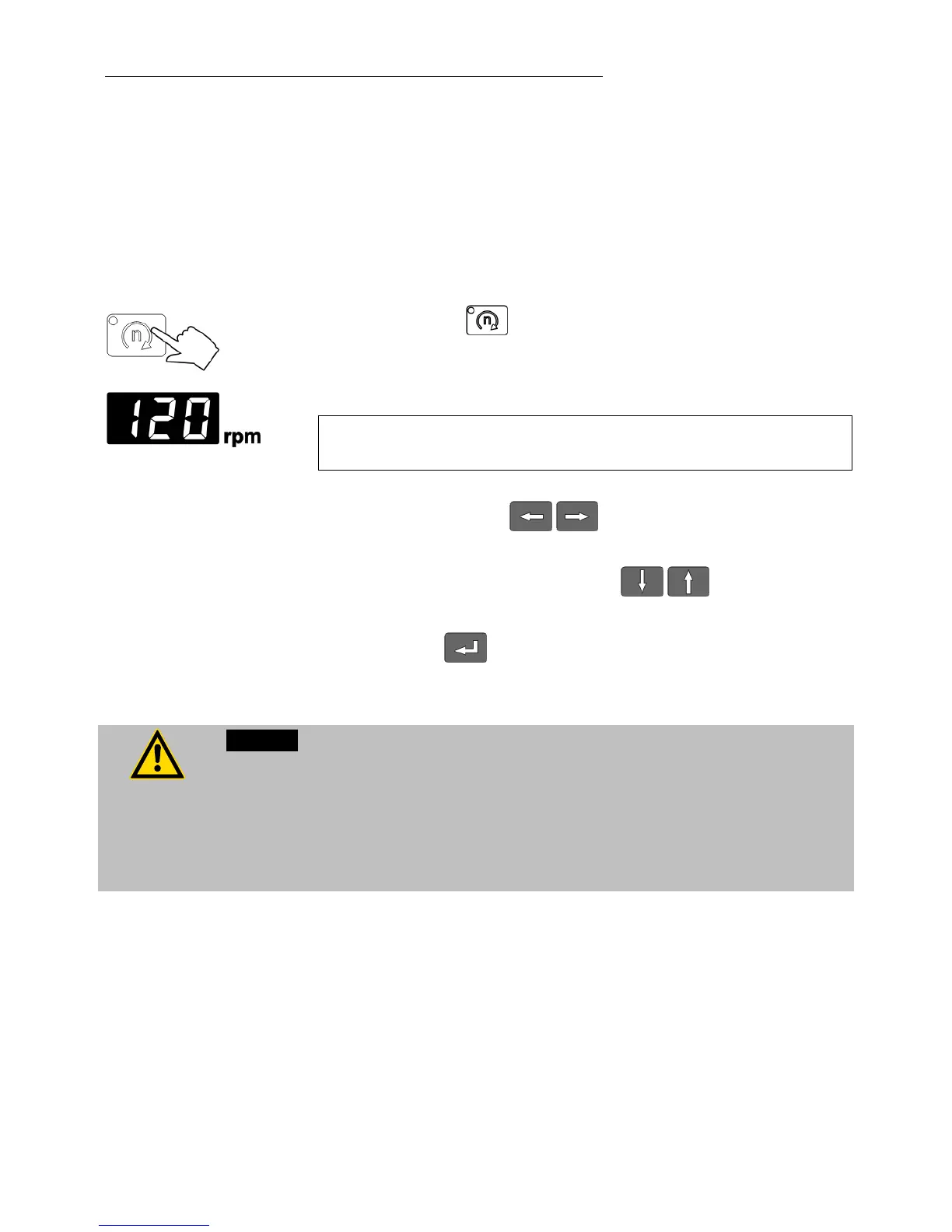
Press the key .
The indicator light blinks and the value previously set appears
on the MULTI-DISPLAY (LED).
(example: 120 rpm).
If no further key is pressed the display will return to show the
actual bath temperature after approx. 8 seconds.
Use the cursor keys to move left or right on the
display until the numeral you wish to change is blinking.
Use the increase/decrease arrows to change the
selected numeral (0, 1, 2, 3, ... 9).
Press enter to store the selected value
Caution:
Danger of injury. Samples may fall over.
Do NOT reach in the shaking carriage during shaking operation. Danger of
injury!
Always use carrier trays in order to prevent sample containers from falling
over.







 To Next Page