E 37
0705.USA
5.4 Parameter settings
To change the vehicle settings you must enter the master code.
NOTICE The master code is factory set to 7-2-9-5.
NOTICE When the vehicle is used for the first time, change the master code (see
Section 5.1).
IMPORTANT Safety instructions for vehicles with information display (CANDIS (o))
– Parameter settings must be carried out with great care and only by people qualified
to do so. If in doubt, contact the manufacturer's service organization.
– Each setting operation must be monitored on the LCD display of the information
display (CANDIS (o)). If in doubt, you can abort the setting process by pressing
the o key (27).
– Since the driving behavior of the vehicle will change, you should carry out a test
drive in a designated working area after every parameter change.
To enter the master code:
– Press the o key
– Enter the master code.
Code lock parameters
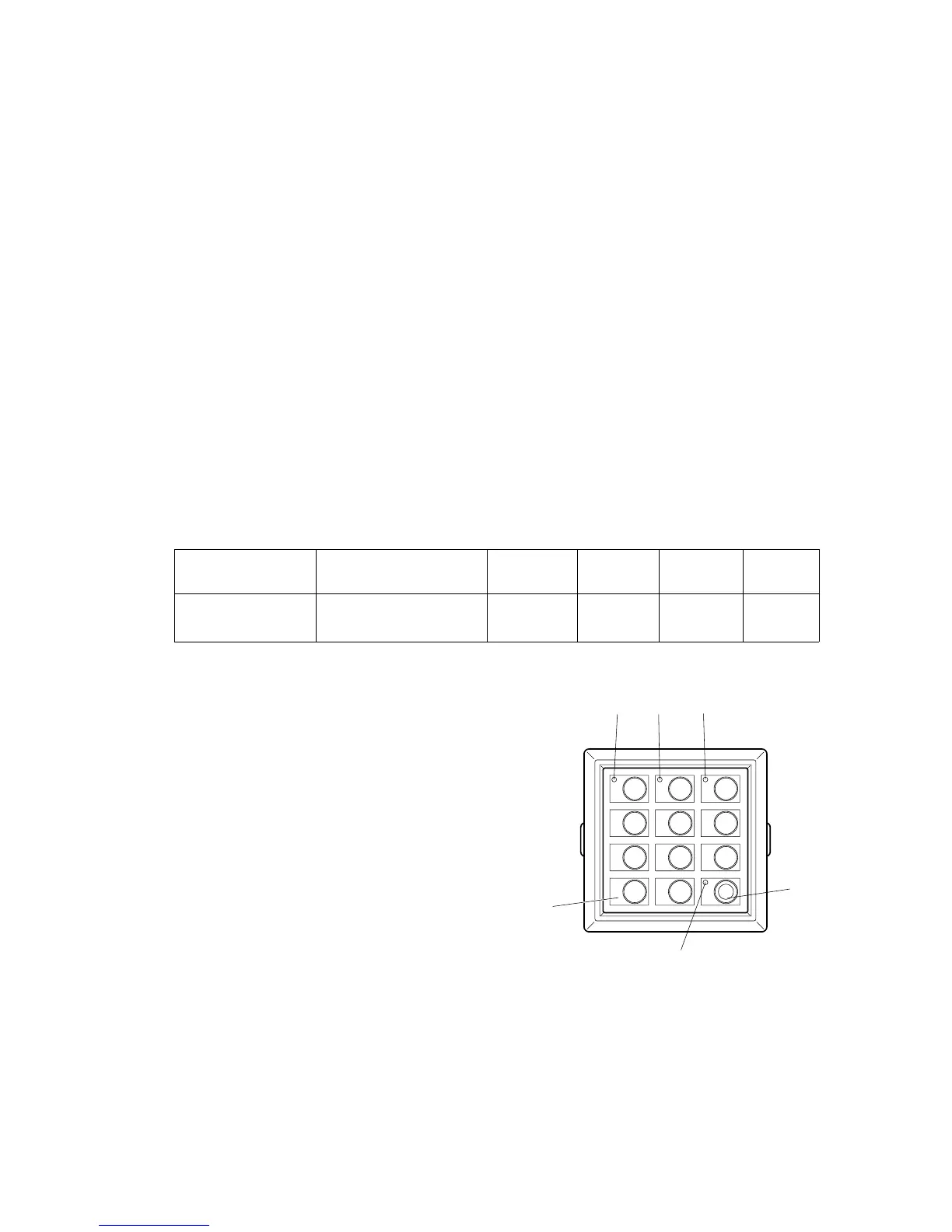
Setting process for vehicles with no
information display (CANDIS (o)):
– Enter the three-digit parameter number
and press the Set key (23) to confirm.
– Enter or change the setting as shown in
the parameter list and press the Set key
(23) to confirm.
Z
If an illegal value is entered, the LED (22) in
the o key (27) flashes red. Enter the
parameter number again and then enter or
change the setting.
Repeat the process to enter additional parameter settings. When you have finished,
press the o key (27).
Information display
(CANDIS)
LED (27)
o key
LED (24)
Key 1
LED (25)
Key 2
LED (26)
Key 3
Operating hours
are displayed
284.0
green
flashing
out out out
1 2 3
4 5 6
7 8 9
0
Set
24
23
22
27
2625


 To Next Page
 Loading...