Installing Equipment 21
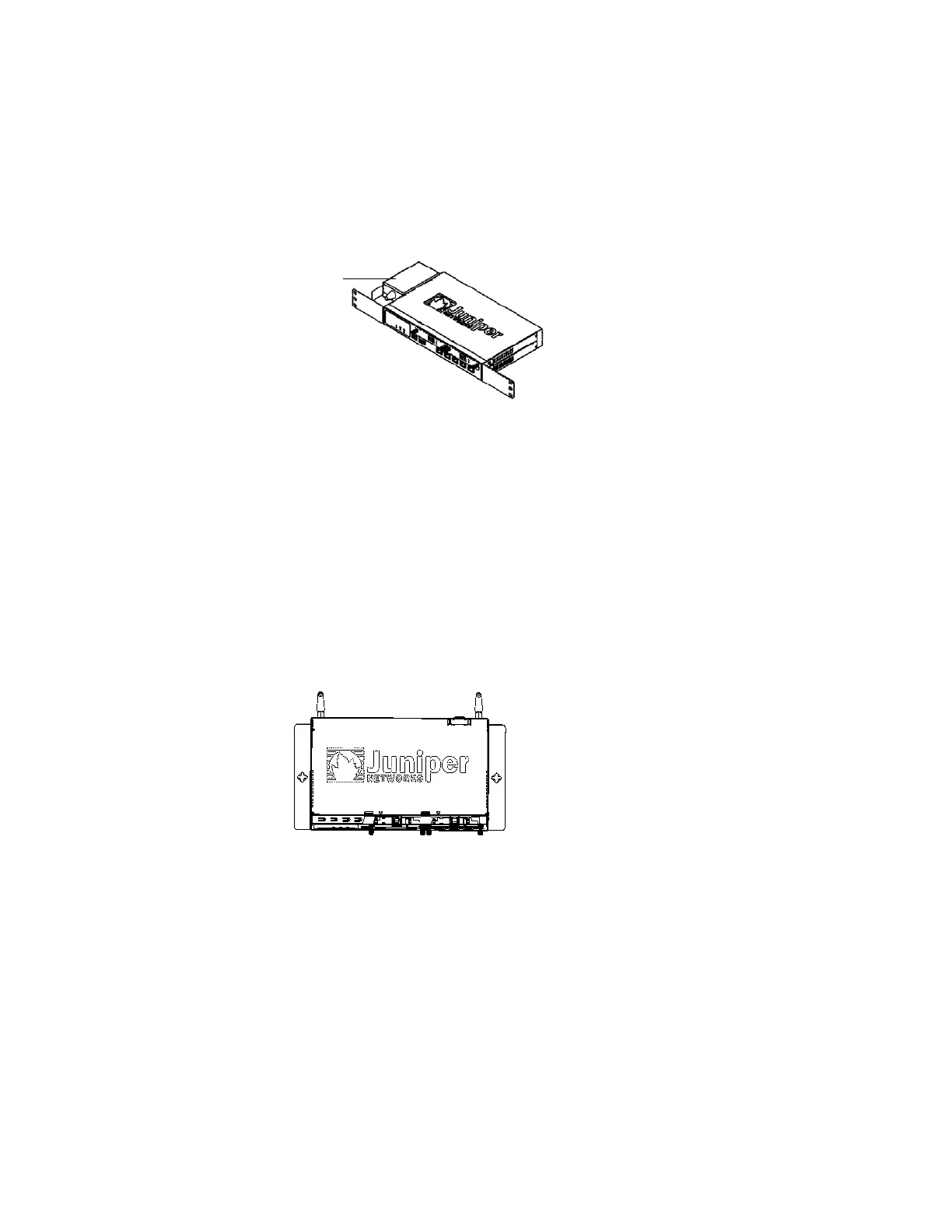
To front-mount an SSG 20 device onto a standard 19-inch equipment rack, perform
the following steps:
Figure 7: SSG 20 Front-mount
1. Align the power supply rack-mount ear to the left-front edge of the device.
2. Place the screws in the holes and use a phillips screwdriver to secure them.
3. Align the other rack-mount ear to the right-front edge of the device.
4. Place the screws in the holes and use a phillips screwdriver to secure them.
5. Mount the device on the rack with the provided screws.
6. Plug the power supply into the power outlet.
To wall-mount an SSG 20 device, perform the following steps:
Figure 8: SSG 20 Wall-mount
1. Align the wall-mount ears to the device.
2. Place the screws in the holes and use a phillips screwdriver to secure them.
3. Ensure that the wall to be used is smooth, flat, dry, and sturdy.
4. Mount the device on the wall using the provided screws.
5. Plug the power supply into the power outlet.
Power
Supply



 To Next Page