SSG 20 Hardware Installation and Configuration Guide
64
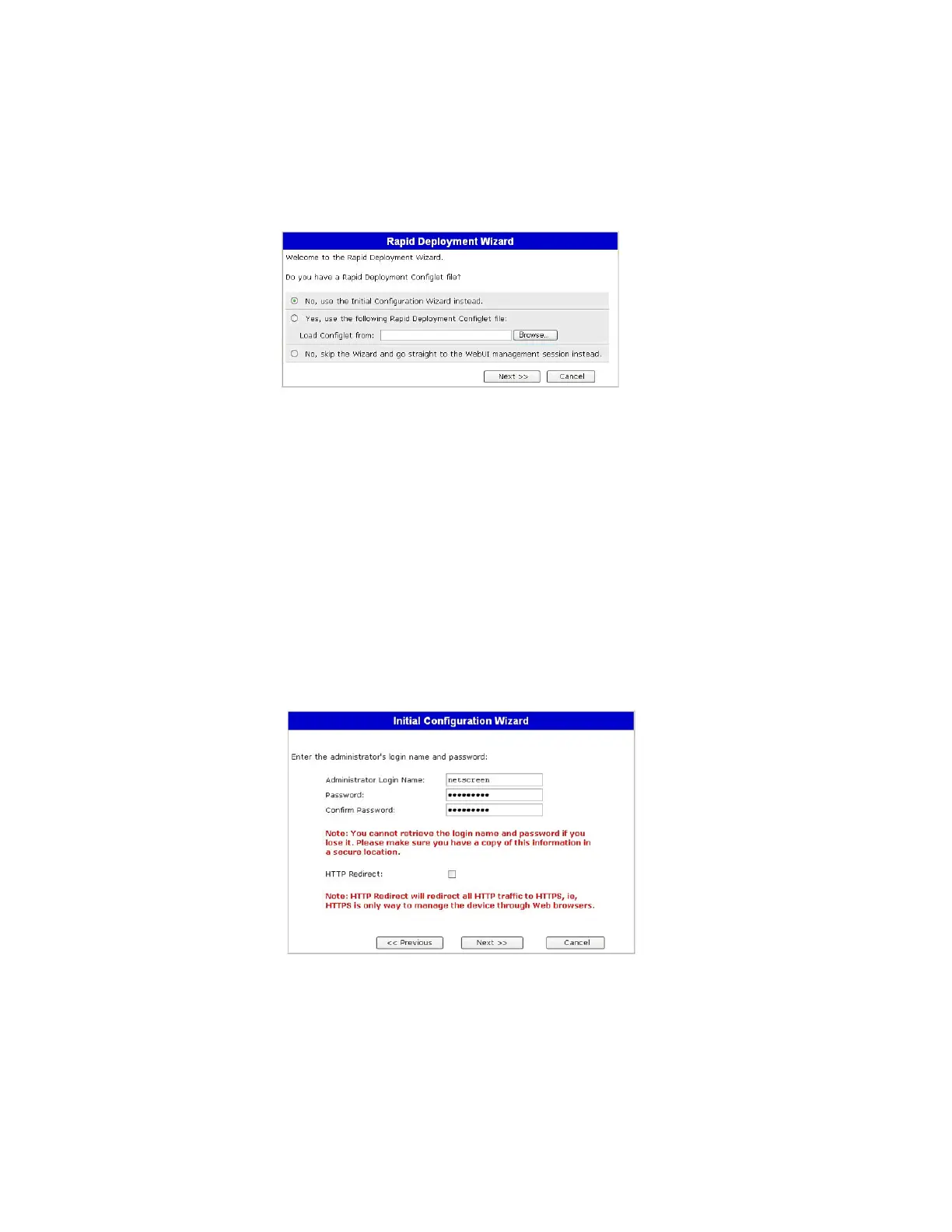
1. Rapid Deployment Window
Figure 24: Rapid Deployment Window
If your network uses NetScreen-Security Manager (NSM), you can use a Rapid
Deployment configlet to automatically configure the device. Obtain a configlet from
your NSM administrator, select Yes, select Load Configlet from:, browse to the file
location, then click Next. The configlet sets up the device for you, so you don’t need
to use the following steps to configure the device.
If you want to bypass the ICW and go directly to the WebUI, select the last option,
then click Next.
If you are not using a configlet to configure the device and want to use the ICW,
select the first option, then click Next. The ICW Welcome screen appears. Click
Next. The Administrator Login window appears.
2. Administrator Login Window
Enter a new administrator login name and password, then click Next.
Figure 25: Administrator Login Window



 To Next Page