81
Table 26: Fields in Bgroup0 Interface Window
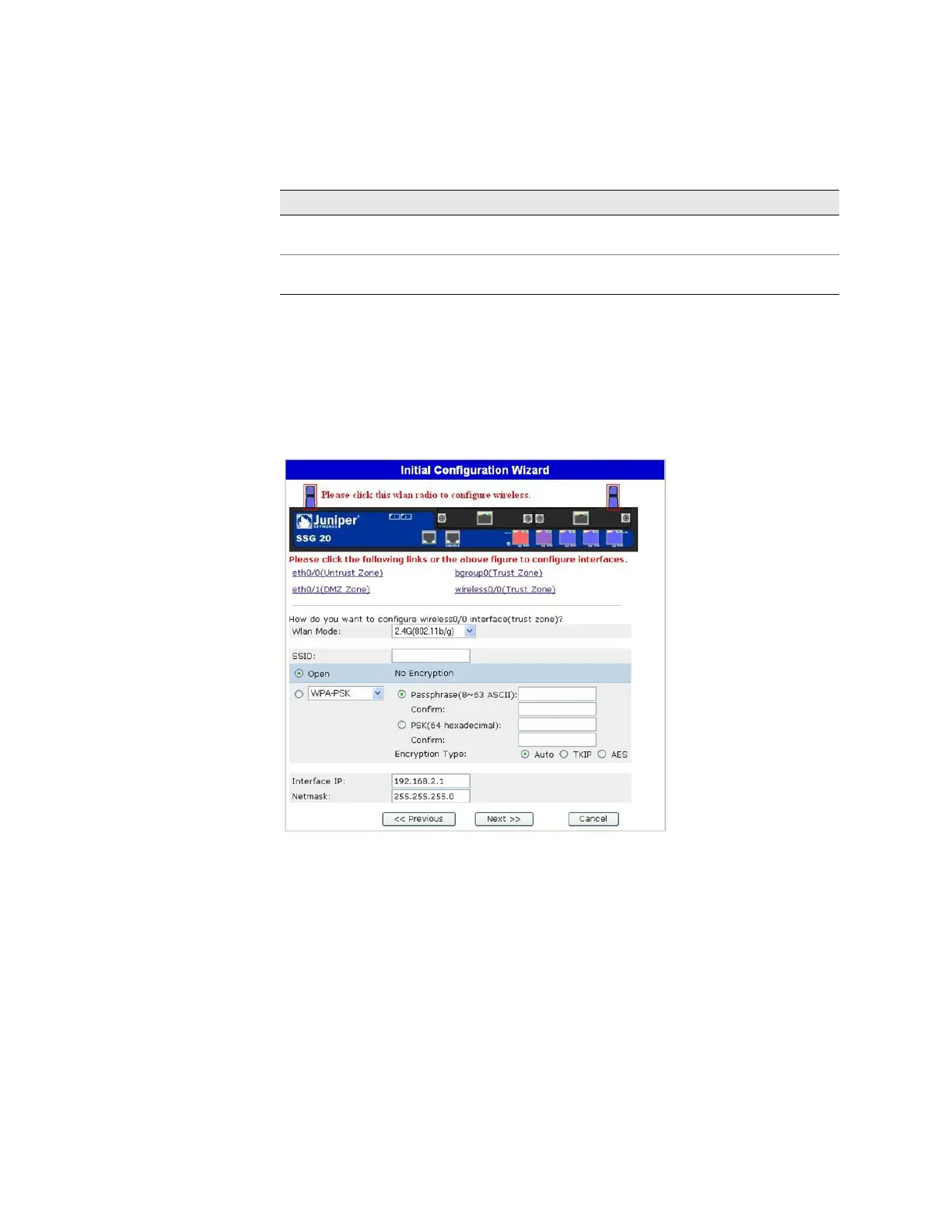
13. Wireless0/0 Interface (Trust Zone) Window
If you are configuring the SSG 20-WLAN device, you must set a Service Set Identifier
(SSID) before the wireless0/0 interface can be activated. For detailed instructions
about configuring your wireless interface(s), refer to the Concepts & Examples
ScreenOS Reference Guide.
Figure 42: Wireless0/0 Interface Window
Field Description
Dynamic IP via DHCP Enables the device to receive an IP address for the Trust zone
interface from a service provider.
Static IP Assigns a unique and fixed IP address to the Trust zone interface.
Enter the Trust zone interface IP address and netmask.



 To Next Page