SSG 20 Hardware Installation and Configuration Guide
84
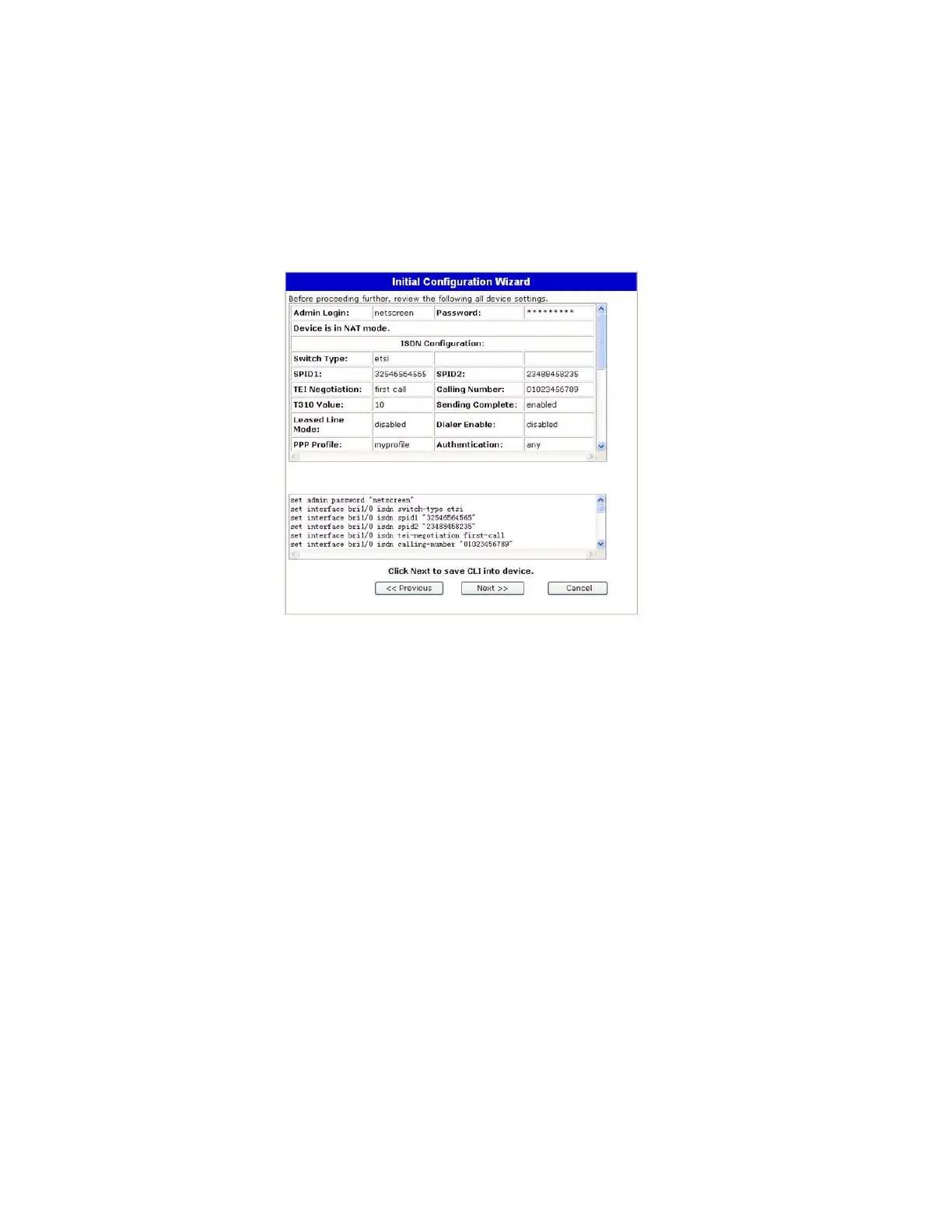
17. Confirmation Window
Confirm your device configuration and change as needed. Click Next to save, reboot
the device, and run the configuration.
Figure 46: Confirmation Window
After the device reboots with the saved system configuration, the WebUI login
prompt appears. For information on how to access the device using the WebUI,
refer to “Using the WebUI” on page 29.



 To Next Page