Upgrading Memory 55
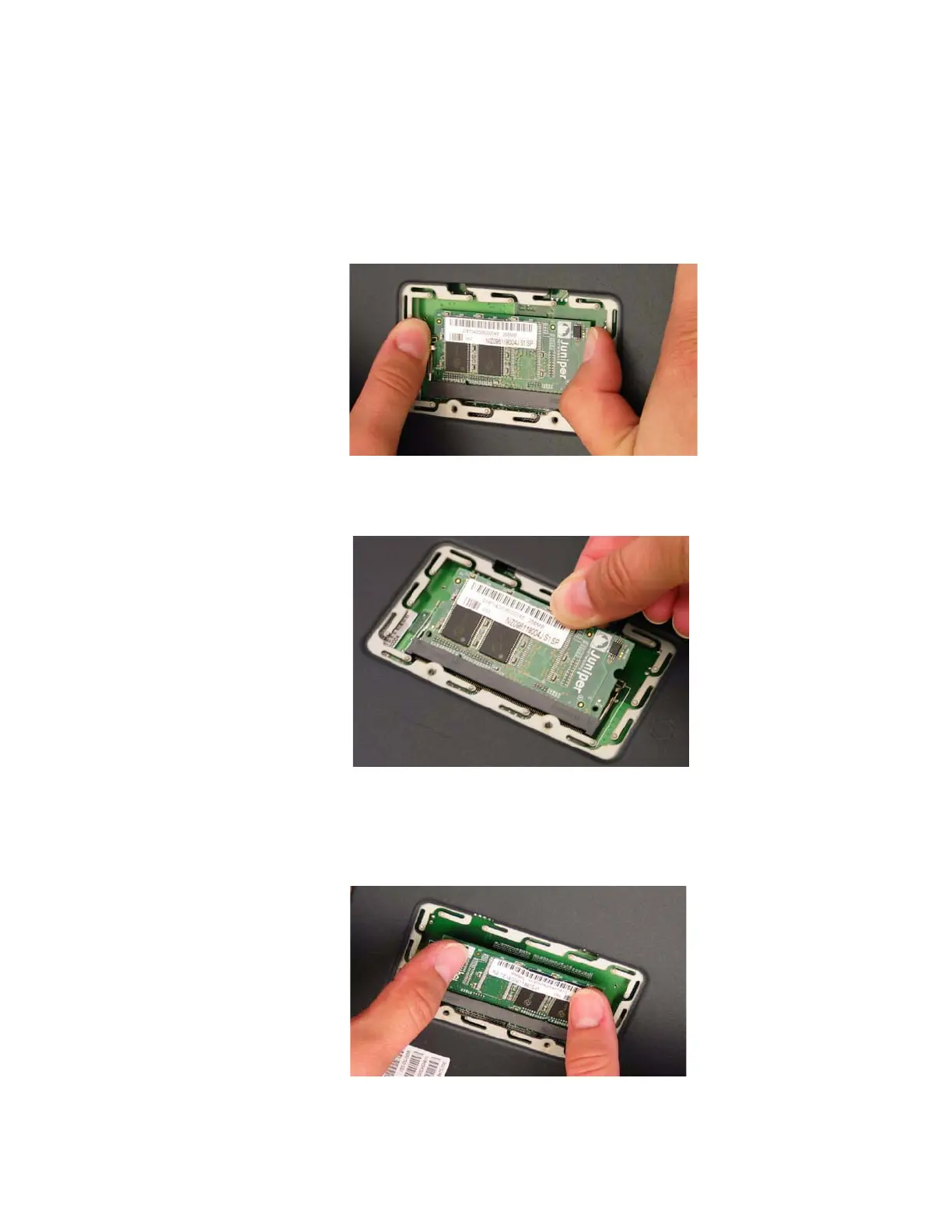
6. Release the 128 MB DIMM DRAM by pressing your thumbs outward on the
locking tabs on each side of the module so that the tabs move away from the
module.
Figure 19: Unlocking the Memory Module
7. Grip the long edge of the memory module and slide it out. Set it aside.
Figure 20: Removing Module Slots
8. Insert the 256 MB DIMM DRAM into the slot. Exerting even pressure with both
thumbs upon the upper edge of the module, press the module downward until
the locking tabs click into position.
Figure 21: Inserting the Memory Module



 To Next Page