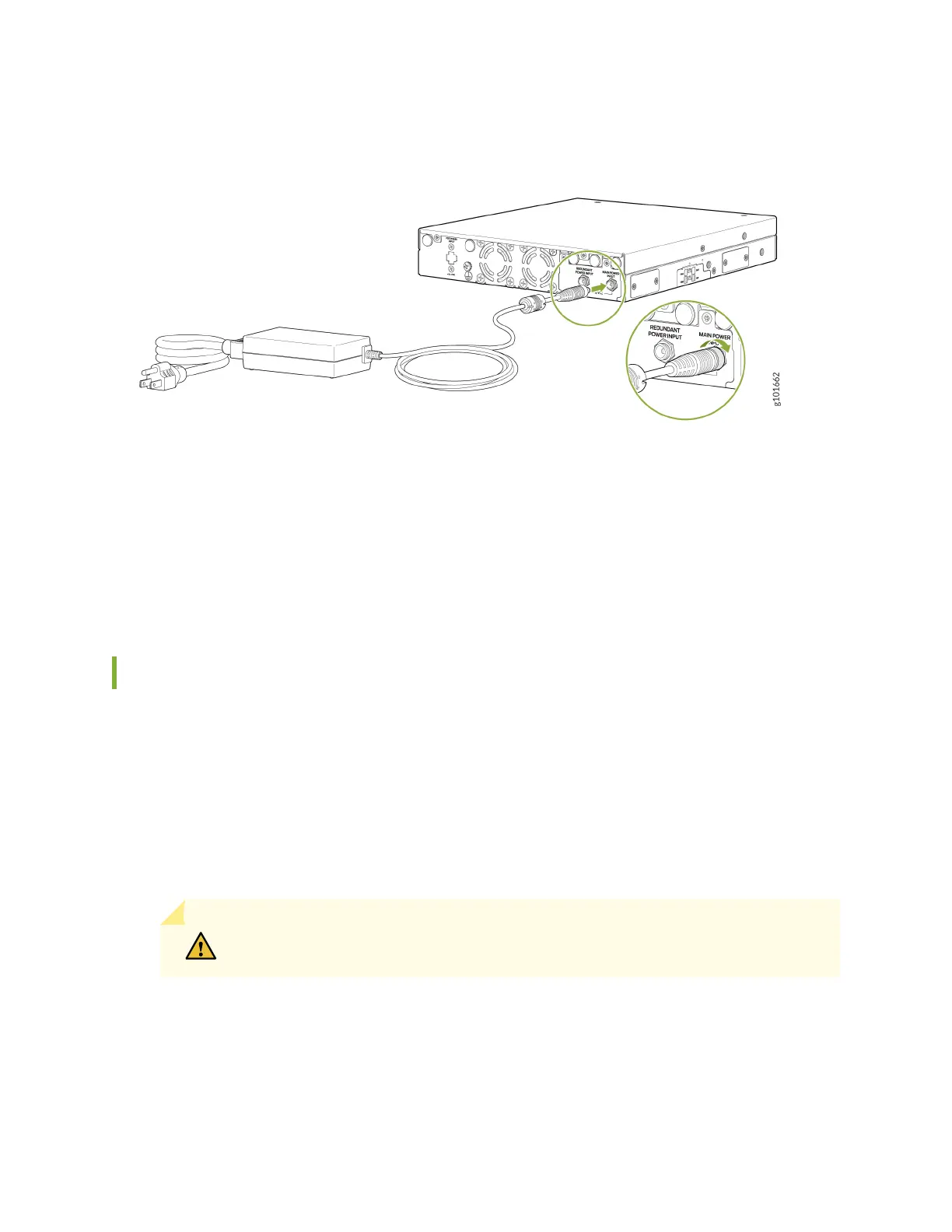
Figure 13: Connecting the SSR130 to the Power Supply
3. If the AC power source outlet has a power switch, set it to the OFF (0) position.
4. Insert the power cord plug into the AC power source outlet.
5. If the AC power source outlet has a power switch, set it to the ON (|) position.
Power Off the SSR130
You can power off the SSR130 in one of the following ways:
•
Graceful shutdown—You can do a graceful shutdown in two ways:
•
Use the Linux poweroff command at the Console. The appliance begins gracefully shutting down the
operating system and then powers itself off.
•
Press and hold the POWER button for 3 seconds, then release. The appliance begins gracefully shutting
down the operating system and then powers itself off.
CAUTION: Use the graceful shutdown method to power off or reboot the appliance.
•
Forced shutdown—Press and hold the POWER button for 7 seconds, then release. The appliance
immediately powers itself off without shutting down the operating system.
38



 To Next Page
 Loading...








