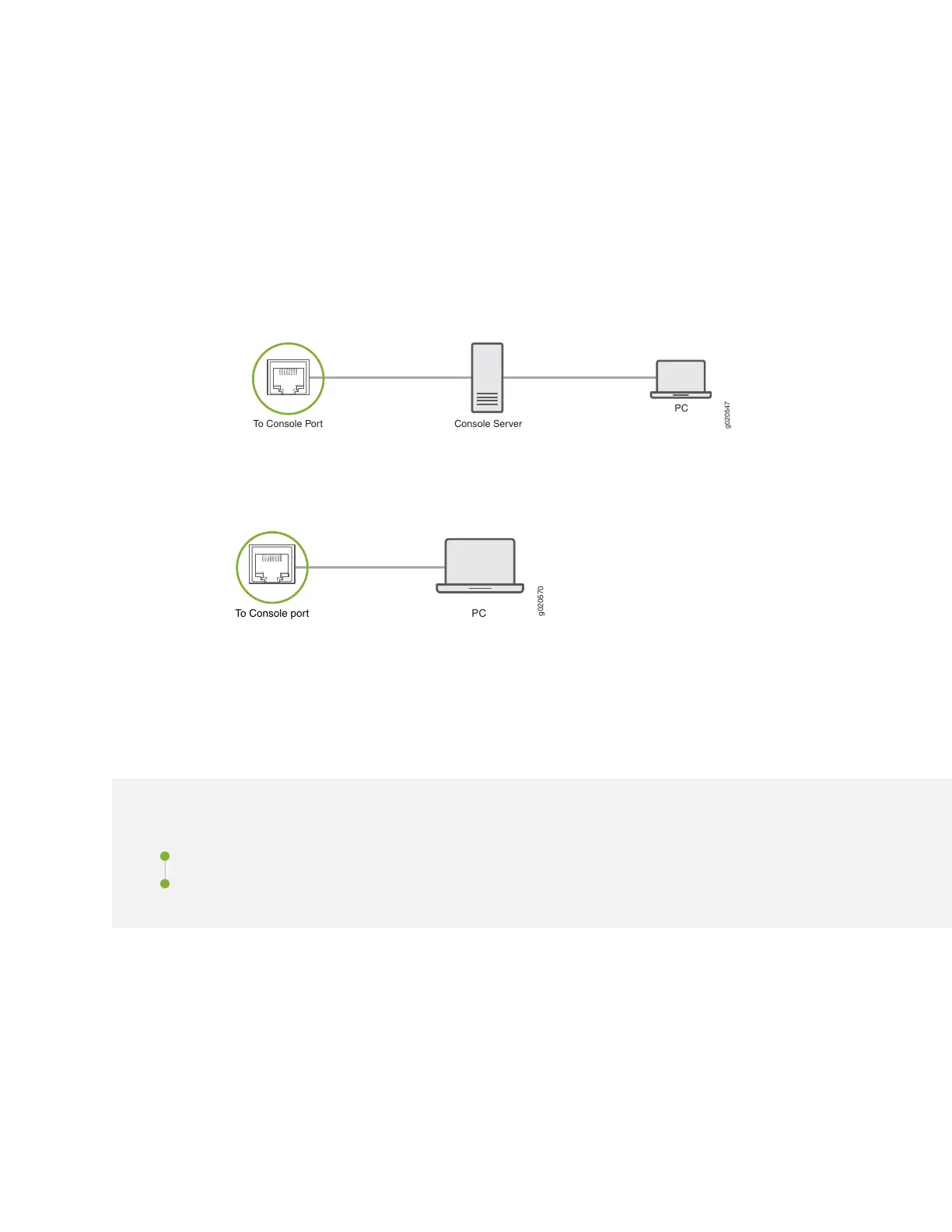
To connect the SSR130 to a management console (see Figure 14 on page 40 and Figure 15 on page 40):
1. Connect one end of the Ethernet cable to the console port (labeled CONSOLE).
2. Connect the other end of the Ethernet cable into the console server (see Figure 14 on page 40) or
management console (see Figure 15 on page 40).
Figure 14: Connecting the SSR130 to a Management Console Through a Console Server
g020547
PC
To Console Port Console Server
Figure 15: Connecting the SSR130 Directly to a Management Console
Configuring SSR Software on the SSR130
IN THIS SECTION
Configure the SSR130 Appliance from the SSR Conductor | 41
QuickStart From the OTP ISO | 44
40












 To Next Page