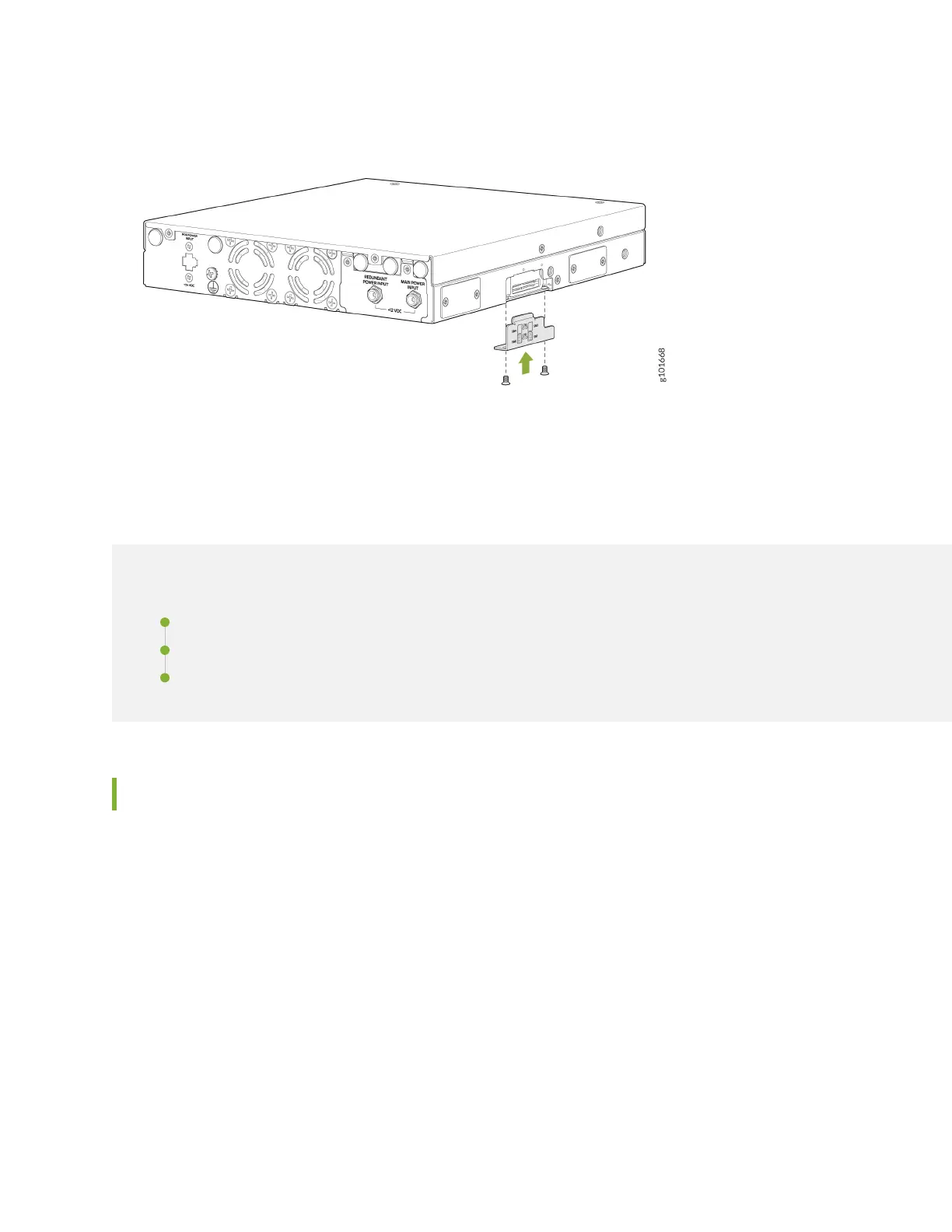
3. Replace the SIM card slot cover and tighten its screws with a torque of 6 Nm.
Connect the SSR130 to Power
IN THIS SECTION
Connect Earth Ground to SSR130 | 35
Connect Power to SSR130 | 37
Power Off the SSR130 | 38
Connect Earth Ground to SSR130
To meet safety and electromagnetic interference (EMI) requirements and to ensure proper operation, you
must connect the chassis to earth ground before you connect it to power.
35












 To Next Page