User manual Operation
Kaba programmer 1460 k1evo809en-2014-04 13
4Operation
This chapter describes the operation of the Program-
mer.
4.1 On/Off key
4.2 Menu keys
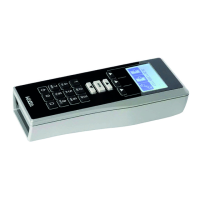
The Programmer is operated using the keypad.
4.3 Dialogue box display
1. Switching on the Programmer. On/Off key
Press for approx. 2 seconds.
The 3 menu keys under the display are directly
related to the display.
Each key is allocated a menu that is opened by press-
ing the key.
Additional key functions are displayed in various dia-
logue boxes on the display, e.g. the decision for Yes
or No.
During operation, the display shows a variety of dif-
ferent dialogue boxes with requirements and notifi-
cations.
Refer to the display
1. During operation of the Programmer, follow
the display carefully.
2. Confirm the requirements and notifications.


 To Next Page
