User manual Data transfer
Kaba programmer 1460 k1evo809en-2014-04 39
7 Data transfer
between software and Programmer
7.1 Driver installation
This chapter describes how to install the drivers and
how the Programmer is to be connected to the PC.
The following prerequisites are necessary for installa-
tion:
• PC with Microsoft Windows Version XP,
Vista, 7 or Microsoft Server 2008
• Driver CD
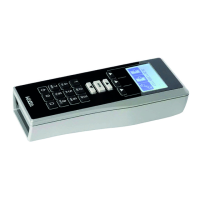
• Programmer with USB cable 2.0
1. Insert the software CD into the CD drive.
2. Open File/Driver/Programmer1460.
3. Select the Install file and start.
4. Follow the installation instructions on the
PC screen.
5. Connect the Programmer to the PC using
the USB cable.
6. The Programmer installs itself autono-
mously.


 To Next Page
