21
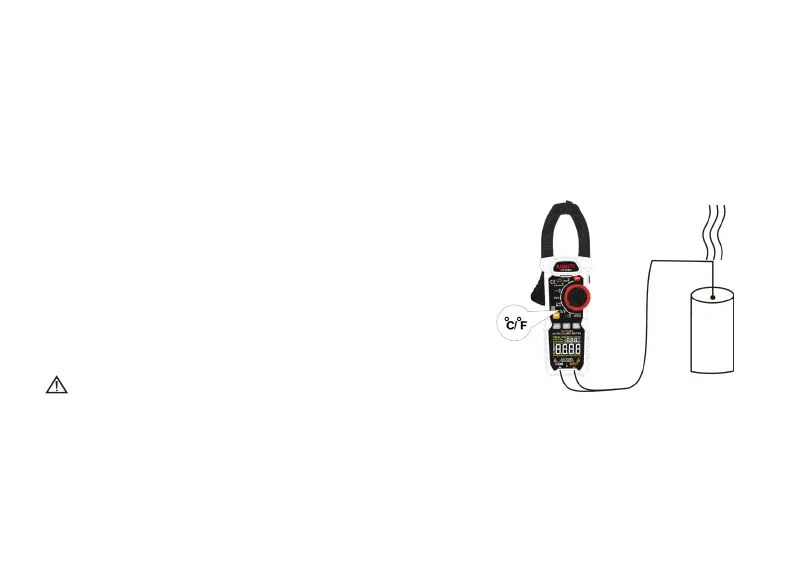
Temperature measurement
1� Turn the rotary function switch to
℃
/
℉
position�
2� Insert the K-type thermocouple into the meter, the positive pole (red) of the
thermocouple into the INPUT input and the negative pole (black) into the COM input�
3� Contact the thermocouple probe with the measurement object, then the reading
appears on the display�
4� Connect the temperature probe with the testing point�
Warning
To avoid possible electric shock DO NOT apply the probe tip to any conductor that is
greater than 30 V ac, 42 V peak or 60 V dc to earth�
Note: It takes a long time for the cold end of thermocouple to be restored in the
instrument to achieve thermal balance with the environment�



 To Next Page