ZEUS-VD INSTALLER’S MANUAL
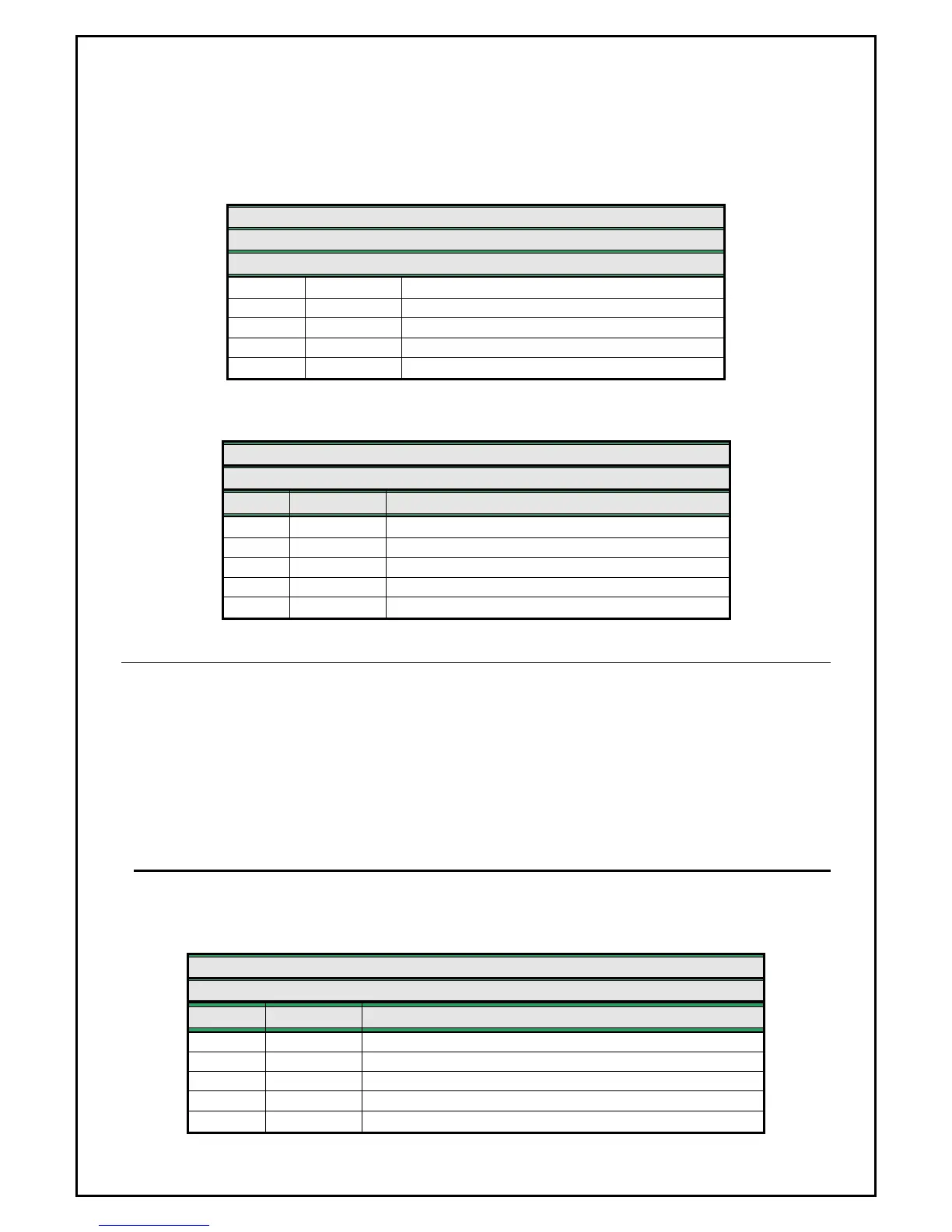
PROGRAMMING TABLE FOR INPUT STATUS
ZEUS4-VD - GSM PROGRAMMING TABLE
SIM CARD PHONE BOOK
Name Default Description
ION 0
Input status for system ON/OFF
IN1 0
Input status for alarm input 1
IN2 0
Input status for alarm input 2
IN3 0
Input status for alarm input 3
IN4 0
Input status for alarm input 4
Example:
ZEUS4-VD - GSM PROGRAMMING TABLE
SIM CARD PHONE BOOK
Name Number Description
ION 0
OFF – connecting GND on ON/OFF input
IN1 0
Alarm activated by connecting to GND
IN2 1
Alarm activated by disconnecting GND or +12V
IN3 2
Alarm activated by connecting +12V
IN4 4
Alarm activated by connecting to GND + RST SMS
9.2.1 IN parameter remote programming by SMS
For the upper example send the following SMS from the host phone to the ZEUS4-VD:
;ION=0;IN1=0;IN2=1;IN3=2;IN4=4;
If you want to get the confirmation SMS back then write “+” before SMS command:
;+ION=0;IN1=0;IN2=1;IN3=2;IN4=4;
9.3 DELAY BEFORE DIAL – DD
When you want to use some delay before unit will start dialing procedure then you will use DD –
delay before dialing parameter.
Page
11
ZEUS4-VD - GSM PROGRAMMING TABLE
SIM CARD PHONE BOOK
Name Number Description
DDN
ON/OFF input delay
DD1
Delay before dialing for Input 1
DD2
Delay before dialing for Input 2
DD3
Delay before dialing for Input 3
DD4
Delay before dialing for Input 4


 To Next Page