ZEUS-VD INSTALLER’S MANUAL
9.11 CLIP FUNCTION PARAMETER – TC
Ten telephone numbers which are stored into the phone book from TN1 to TN0 can manage
following functions using CLIP (Calling Line Identification Presentation) without making any cost
to the user GSM bill.
⇒ Trigger one of the ZEUS4-VD Output (parameter 1-4)
⇒ Switch the system ON/OFF (parameter 5)
⇒ System control with “Call-back” function (parameter 6)
NOTE:
With one telephone number you can control only one function (for example trigger only first
output)!
To activate the CLIP function you must cancel call after 1-3 rings!
9.11.1 Programming table to define the CLIP functions – TC
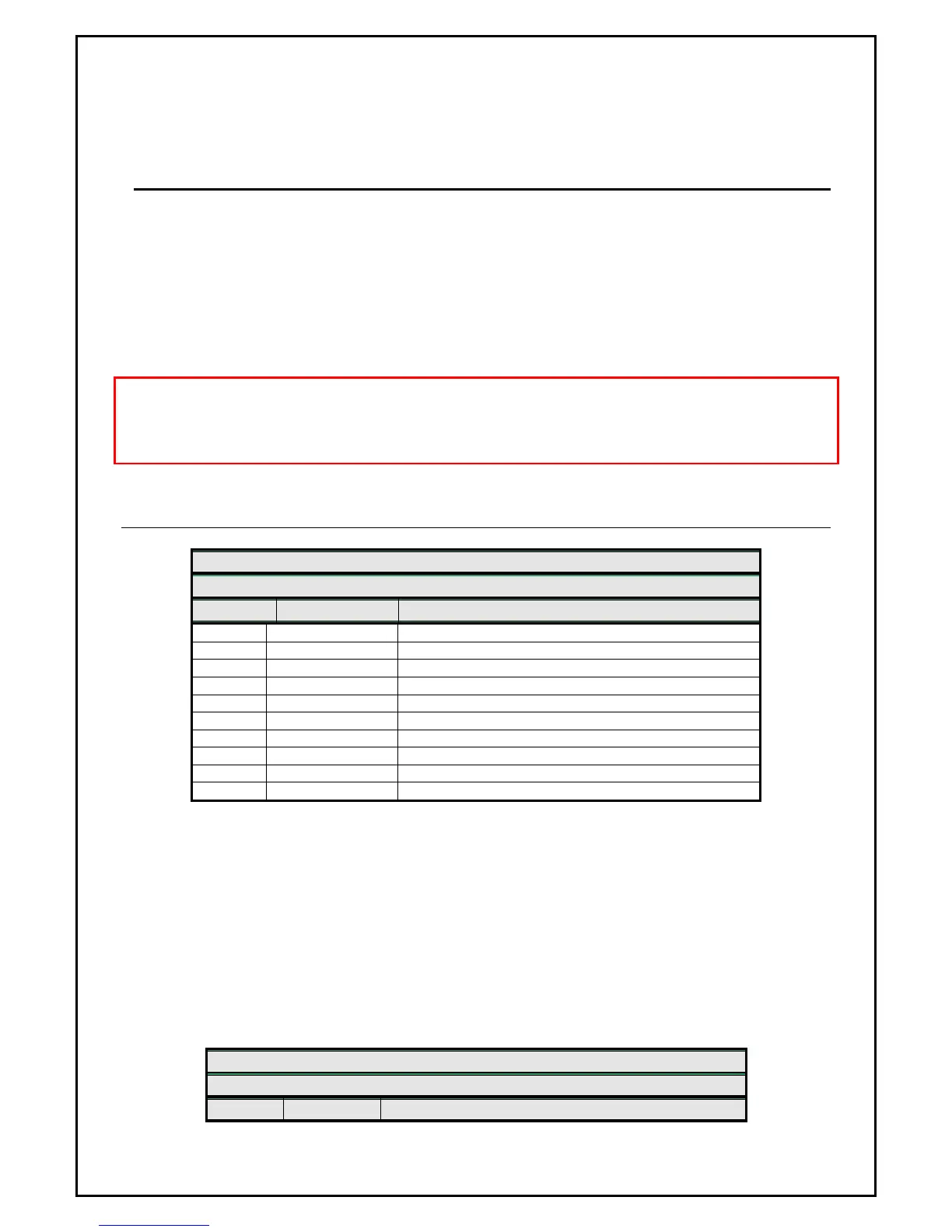
ZEUS4-VD - GSM PROGRAMMING TABLE
SIM CARD PHONE BOOK
Name Number Description
TC1 x
First CLIP telephone number = TN1
TC2 x
Second CLIP telephone number = TN2
TC3 x
Third CLIP telephone number = TN3
TC4 x
Forth CLIP telephone number = TN4
TC5 x
Fifth CLIP telephone number = TN5
TC6 x
Sixth CLIP telephone number = TN6
TC7 x
Seventh CLIP telephone number = TN7
TC8 x
Eight telephone number = TN8
TC9 x
Ninth CLIP telephone number = TN9
TC0 x
Tenth CLIP telephone number = TN0
⇒ X=1-4 OUT1 to OUT4 controlling
⇒ X=5 System ON/OFF
⇒ X=6 Call back function
Example:
TC1 will trigger OUT3, TC2 will switch the system ON/OFF and TC3 will make a call back to the
user phone.
Page
20
ZEUS4-VD - GSM PROGRAMMING TABLE
SIM CARD PHONE BOOK
Name Number Description


 To Next Page