ZEUS-VD INSTALLER’S MANUAL
9.4 INPUT FILTER PARAMETR – ID
The ID parameter determine time period of the pulse length to trigger the Input. The pulse time can
be from 0, 5 second up to 9999 seconds. The default time is 0,5 seconds when the parameter value
is 0.
9.4.1 Programming table to define the value of the input filter
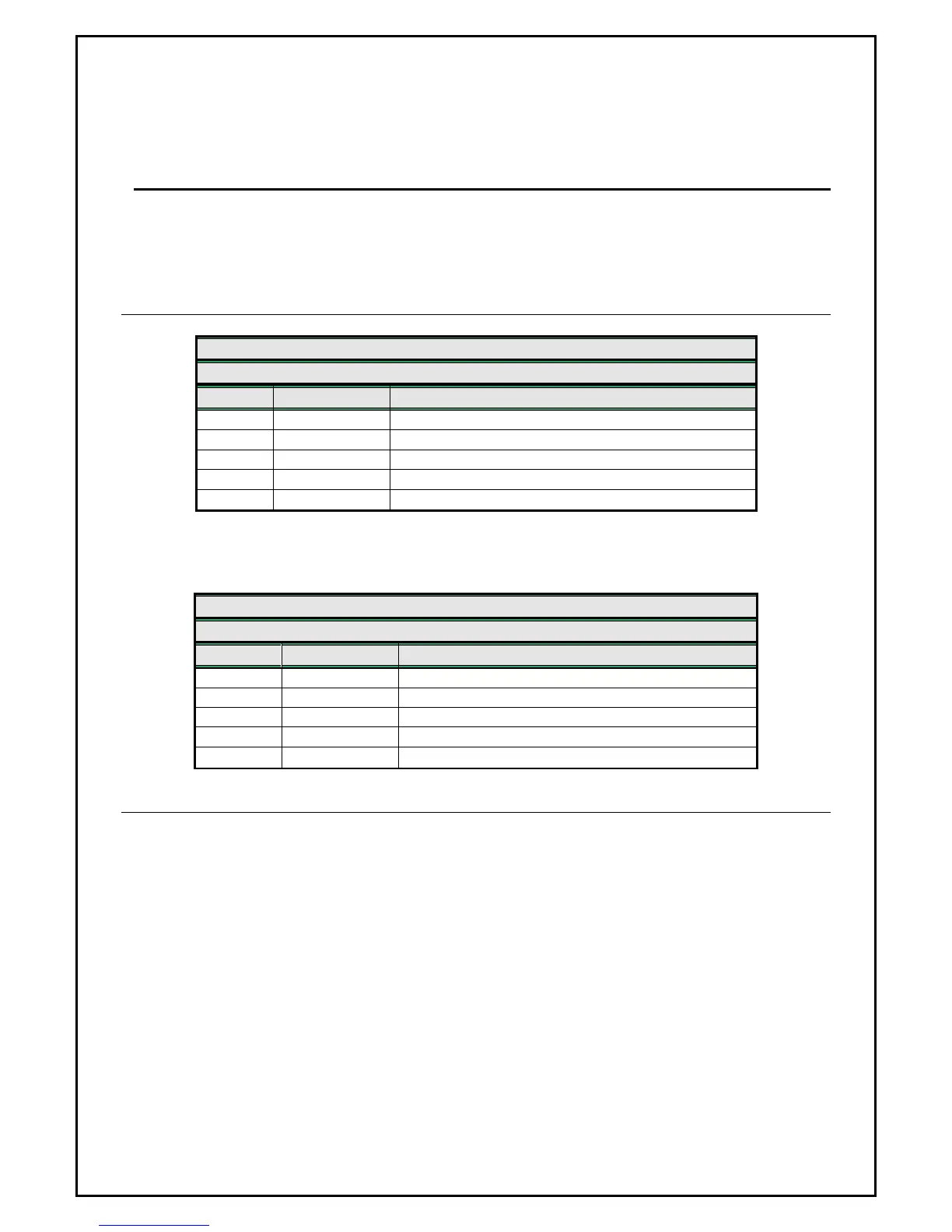
ZEUS4-VD - GSM PROGRAMMING TABLE
SIM CARD PHONE BOOK
Name Number (default) Description
DON 0
Default ID filter is 0,5 second – ON/OFF input
ID1 0
Default ID filter is 0,5 second – input 1
ID2 0
Default ID filter is 0,5 second – input 2
ID3 0
Default ID filter is 0,5 second – input 3
ID4 0
Default ID filter is 0,5 second – input 4
Example:
ZEUS4-VD - GSM PROGRAMMING TABLE
SIM CARD PHONE BOOK
Name Number (default) Description
DON 0
Default ID filter is 0,5 second – ON/OFF input
ID1 0
ID filter is 5 seconds for input 1
ID2 0
ID filter is 30 seconds for input 2
ID3 0
ID filter is 2 seconds for input 3
ID4 0
ID filter is 0,5 second for input 4
9.4.2 ID parameter remote programming by SMS
For the upper example send the following SMS from the host phone to the ZEUS4-VD:
;ID1=5;ID2=30;ID3=2;ID4=0;
If you want to get the confirmation SMS back then write “+” before SMS command:
;+ID1=5;ID2=30;ID3=2;ID4=0;
Page
13


 To Next Page