15
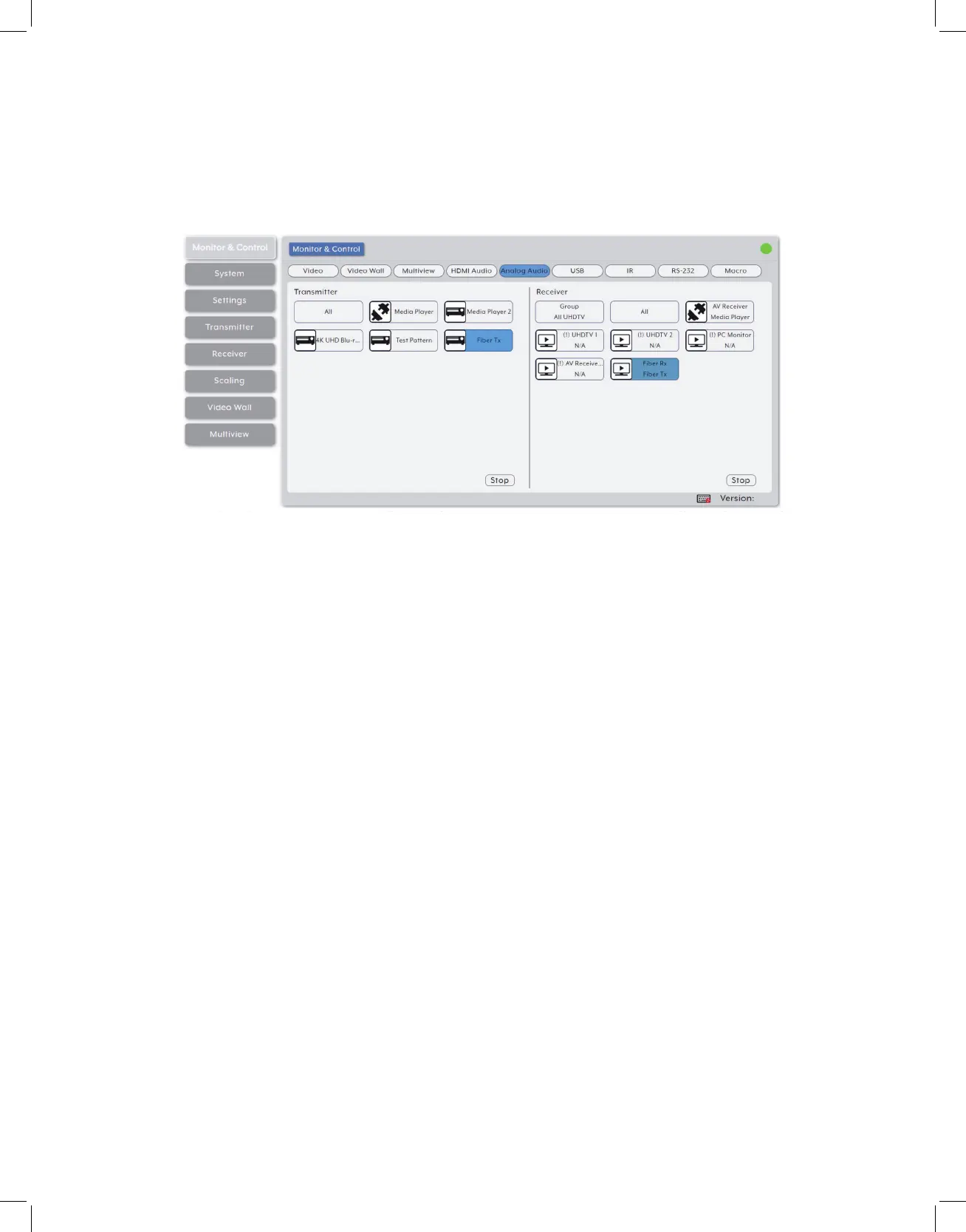
4. Analog Audio Routing: Provides drag-and-drop control over the routing of analog
audio input streams between all detected transmitters and receivers.
• Analog Audio Transmitter: This section provides drag-and-drop buttons for all
analog input sources detected by the system as well as a button target to stop one
or all analog audio streams from being transmitted.
• Source to Single Receiver Routing: To route an analog audio source to a receiver, click
and drag the source’s button on the left to the preferred receiver on the right side, then
release the mouse button. If the routing was completed successfully, the newly routed
source’s name will appear below the receiver’s name within the button. Clicking on any
source button will change the color of itself, and all currently routed receivers.
Note: Receivers may also be drag and dropped onto sources to activate a new route
• Source to Multiple Receiver Routing: To route an analog audio source to multiple
receivers at the same time, click and drag the source’s button on the left to a
Group button or the “All” button on the right side, then release the mouse button.
If the routing was completed successfully, the source’s name will appear within all
appropriate buttons.
• Stop Stream: To stop the analog audio stream from a single source, drag the source
down to the “Stop” button at the bottom of the window, then release the mouse
button. To stop ALL analog audio streams, drag the “All” button down to the “Stop”
button.
• Analog Audio Receiver: This section provides drag-and-drop buttons for all analog
audio outputs detected by the system as well as a button target to stop the output
of one or all analog audio streams.
Note: If the selected audio source for an analog output has been set to “HDMI Audio (Stereo



 To Next Page