16
Downmix)” that output will be marked with a (!) and the audio output will mirror the source set on
the HDMI Audio routing page.
• Stop Stream: To stop the analog audio output on a single receiver, drag the receiver
down to the “Stop” button at the bottom of the window, then release the mouse
button. To stop ALL video outputs, drag the “All” button down to the “Stop” button.
Note: If the selected audio source for an analog output has been set to “HDMI Audio (Stereo
Downmix)” the audio output can only be stopped from the HDMI Audio page.
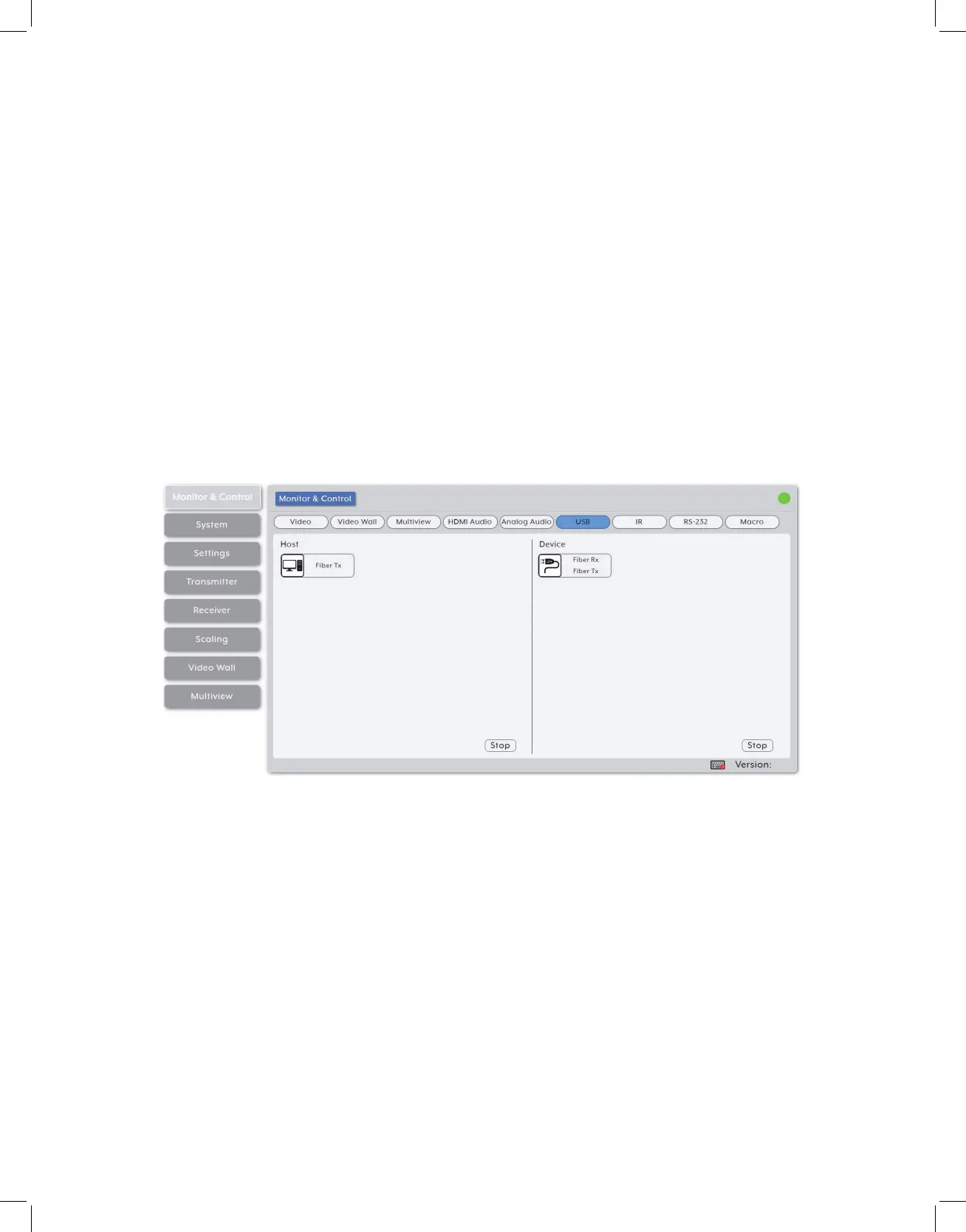
5. USB Pairing: Provides drag-and-drop control over the pairing of USB hosts (PC,
laptop, etc.) and USB devices (keyboard, mouse, webcam, etc.) between the ports
detected on all transmitters and receivers.
Note: When a USB host port has enabled “Simultaneous Mode”, it can be paired with up to 7
device endpoints. If “Simultaneous Mode” is disabled, a USB host port can only be paired with a
single USB device endpoint.
• USB Host: This section provides drag-and-drop buttons for detected USB host ports
as well as a button target to stop communication from a host.
• Host to Device Pairing: To pair a USB host with a USB device, click and drag the USB
host’s button on the left to the preferred USB device on the right side, then release
the mouse button. If the pairing was completed successfully, the active USB host’s
name will appear below the USB device’s name within the button. Clicking on any USB
host button will change the color of itself, and all currently paired USB device endpoints.
Note: USB devices may also be drag and dropped onto USB hosts to activate a new pairing.



 To Next Page