17
• Stop Host: To stop communication from a USB host, drag the USB host down to the
“Stop” button at the bottom of the window, then release the mouse button.
• USB Device: This section provides drag-and-drop buttons for all detected USB
device endpoints as well as a button target to stop communication from a device.
• Stop Device: To stop communication from a USB device, drag the USB device down
to the “Stop” button at the bottom of the window, then release the mouse button.
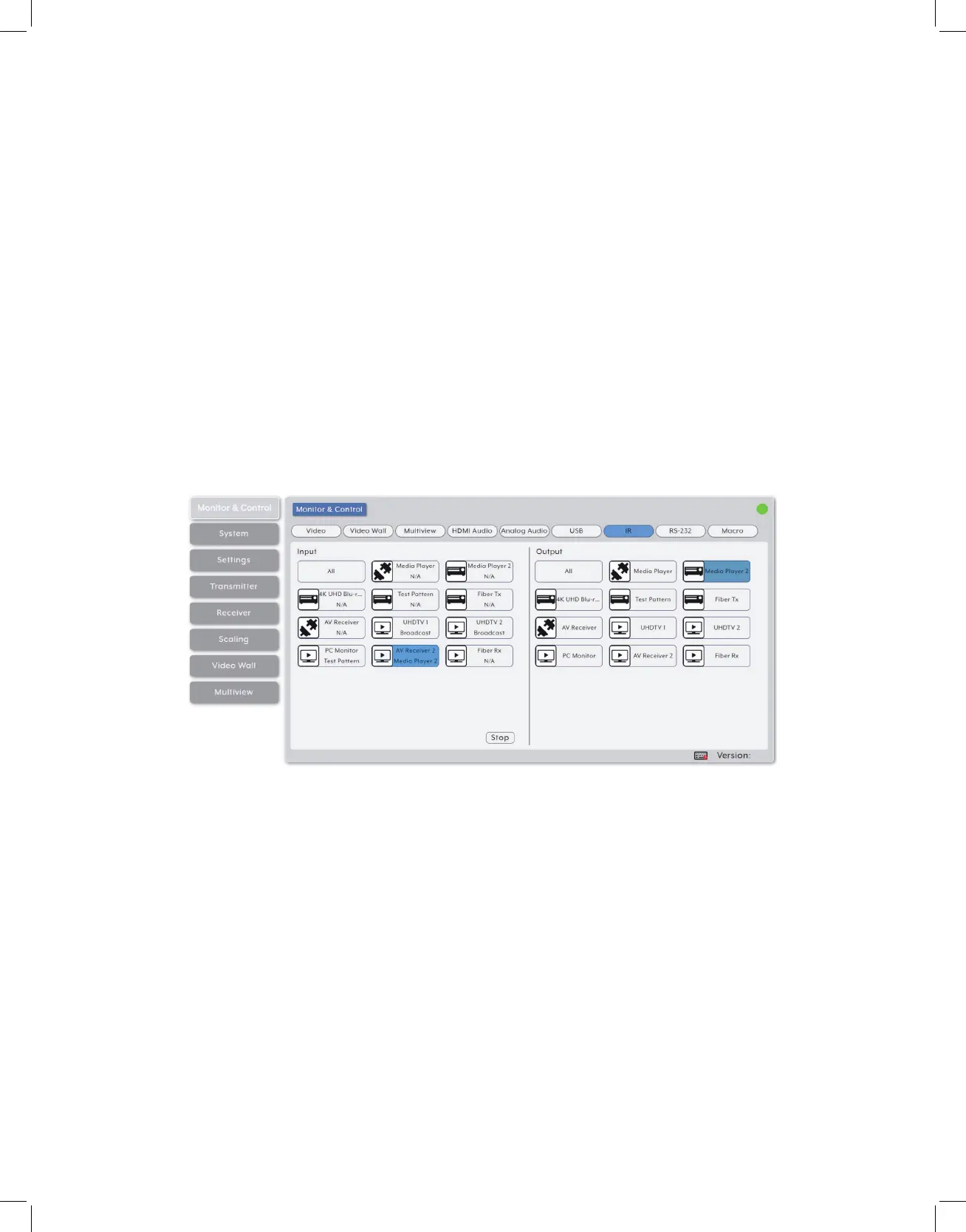
6. IR Routing: Provides drag-and-drop control over the routing of the IR inputs and
outputs detected on all transmitters and receivers.
Note: An IR output can be routed to by multiple IR inputs, however each IR input may only be
directly routed to a single IR output. If an IR input needs to be sent to more than one output, the
Global Broadcast option must be used.
• IR Input: This section provides drag-and-drop buttons for all IR input ports detected by the
system as well as a button target to stop one or all IR streams from being transmitted.
• IR Input Global Broadcast: To broadcast an IR input to all available IR outputs,
click and drag the IR input’s button on the left to the “All” button on the right side,
then release the mouse button. If the routing was completed successfully, the word
“Broadcast” will appear within the appropriate IR input’s button.
• Stop Stream: To stop the broadcast of an IR signal from a single IR input, drag the
IR input down to the “Stop” button at the bottom of the window, then release the
mouse button. To stop the transmission of ALL IR signals, drag the “All” button down
to the “Stop” button.
• IR Output: This section provides drag-and-drop buttons for all IR output ports
detected by the system.



 To Next Page