33
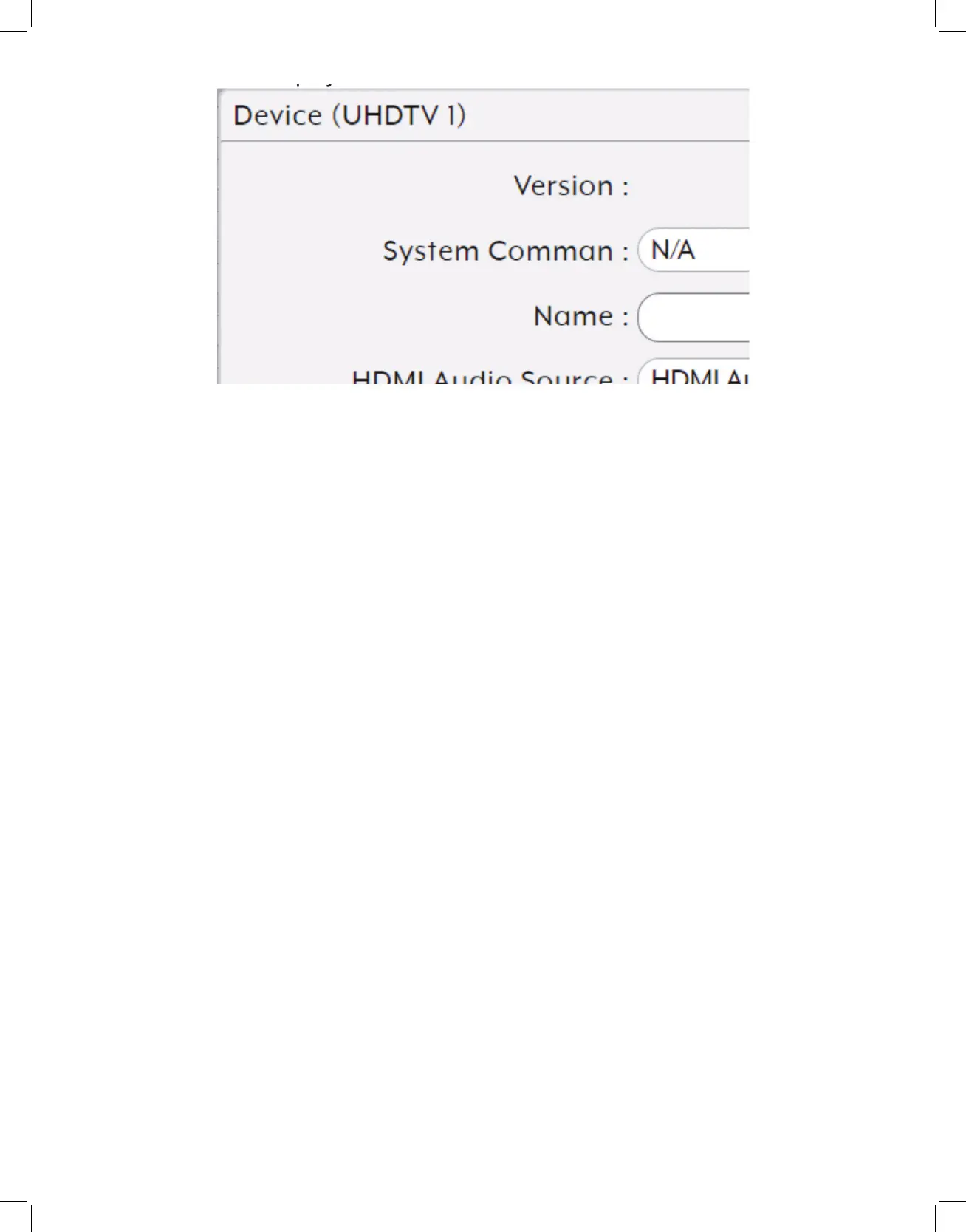
• System Command: Use the dropdown to select a system command to send to the
unit. Typically available commands are:
- Factory Reset: Reset the unit back to its factory default settings.
- Reboot: Reboot the unit.
- Firmware Update: Update the firmware of this unit using the currently uploaded
firmware file.
- Transform (Transceivers only): Switch the unit into receiver mode.
• Name: Change the unit’s name (19 character maximum).
• Audio Port Direction: Define the analog audio port as an input or output.
• HDCP Support: Enable or disable support for HDCP 1.4 or lower sources.
• HDCP 2.2 Support: Enable or disable support for HDCP 2.2 sources.
• Bypass Divide FPS by two: Enable or disable the Divide FPS (Frames Per Second)
by Two feature on the primary video stream generated by this unit. Enabling this
mode will cut bandwidth usage of the unit nearly in half at the cost of a 50%
framerate reduction.
Note: When this mode is enabled, it is not recommended to use Bypass Mode from the scaling tab
as most displays cannot properly handle the resulting output.
• Multiview Divide FPS by two: Enable or disable the Divide FPS (Frames Per Second)
by Two feature on the secondary video stream generated by this unit which is used
in Multiviewer mode. Enabling this mode will reduce bandwidth usage of the unit
somewhat but only when Multiviewer mode has been activated.



 To Next Page