20
HEADSET CONNECTION:
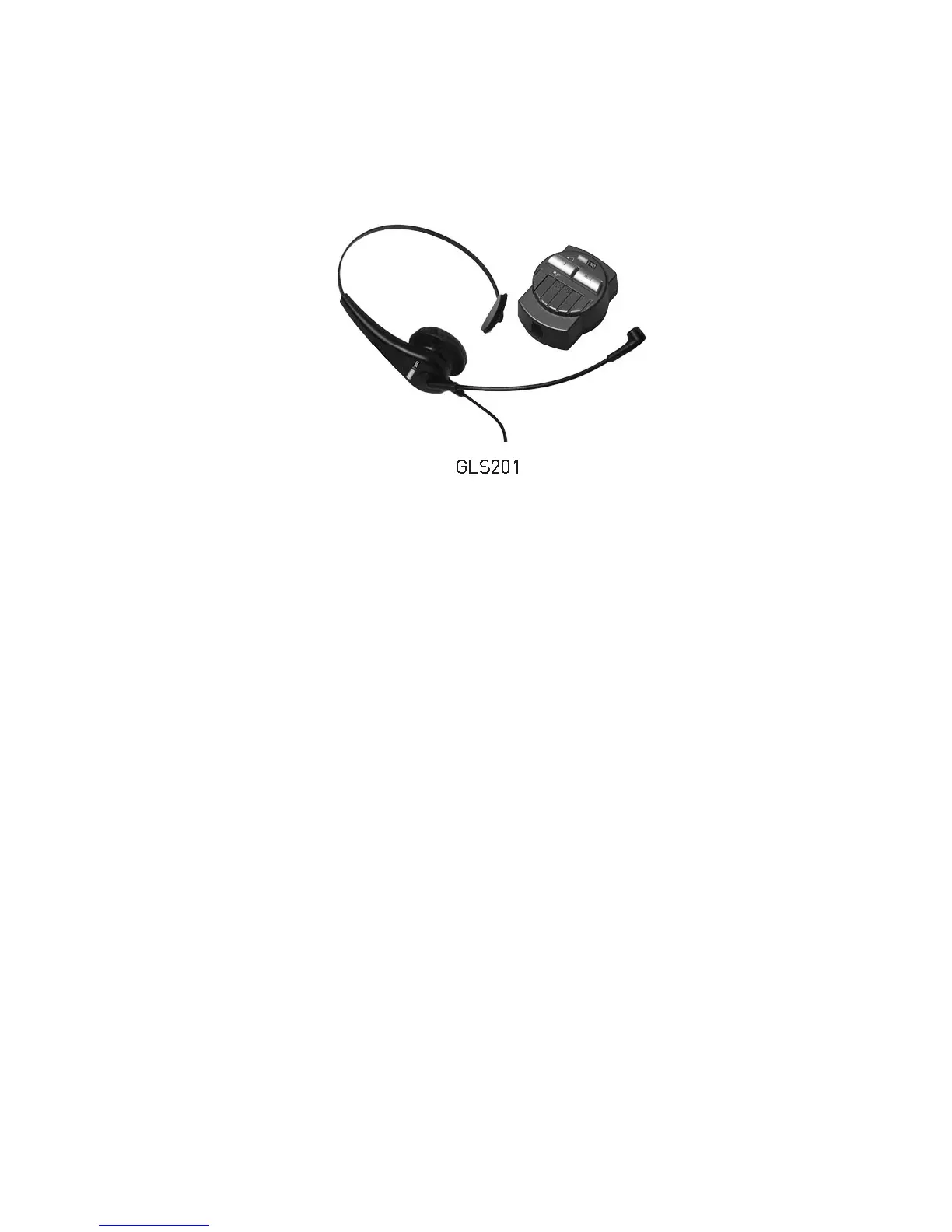
It is employed for connecting headset option to the telephone. The standard headset
could be obtained from KAREL.
HEADSET TYPES: KAREL GLS201
• Activation of Headset: The selection is made through the PHONE SETTINGS
>HEADSET menu. (HEADSET >Disable, With HANDSFREE, Without
HANDSFREE) The headset option is in Disable mode by default.
• While telephone is on hook, when the H/F key is pressed, the telephone is picked
up through the headset. If H/F key is pressed again, then the headset is turned off
and the telephone gets into HF mode. The telephone is hanged up, if the H/F key
is pressed again. During a conversation over the headset, if the handset is lifted or
if the telephone is picked up through the handset, then the voice level will
decrease, since it will be split into two.
• In order to facilitate headset utilization: PHONE SETTINGS > LAZY MODE could
be selected. In that case, the telephone is picked up automatically after the first
ringing without pressing any key and conversation goes on via the headset.



 To Next Page