47
the other hand, the number has not been programmed before, then FT checks whether
the entered number is a correct one (whether it is defined in the system.)
In the event that the entered number on FT10 is not correct (defined in the system) the
“Erroneous Number” message is displayed for 1 second and error tone is received.
In case a number that has not been defined in the system is entered for FT20, the
message “Enter correct number” is displayed. On the other hand, in the event that the
number is correct, the message “Successful” is displayed for 1 second, OK tone is
received and the Key Settings is completed in both systems.
An extension number can be assigned to a single key only. After the programming
mode is exited and those keys are pressed, the extension that has been stored on the
key is directly called. In addition to the calling function, status of the extension, which
has been programmed as the first function of the programmable keys can be viewed by
the LED next to it, as described below.
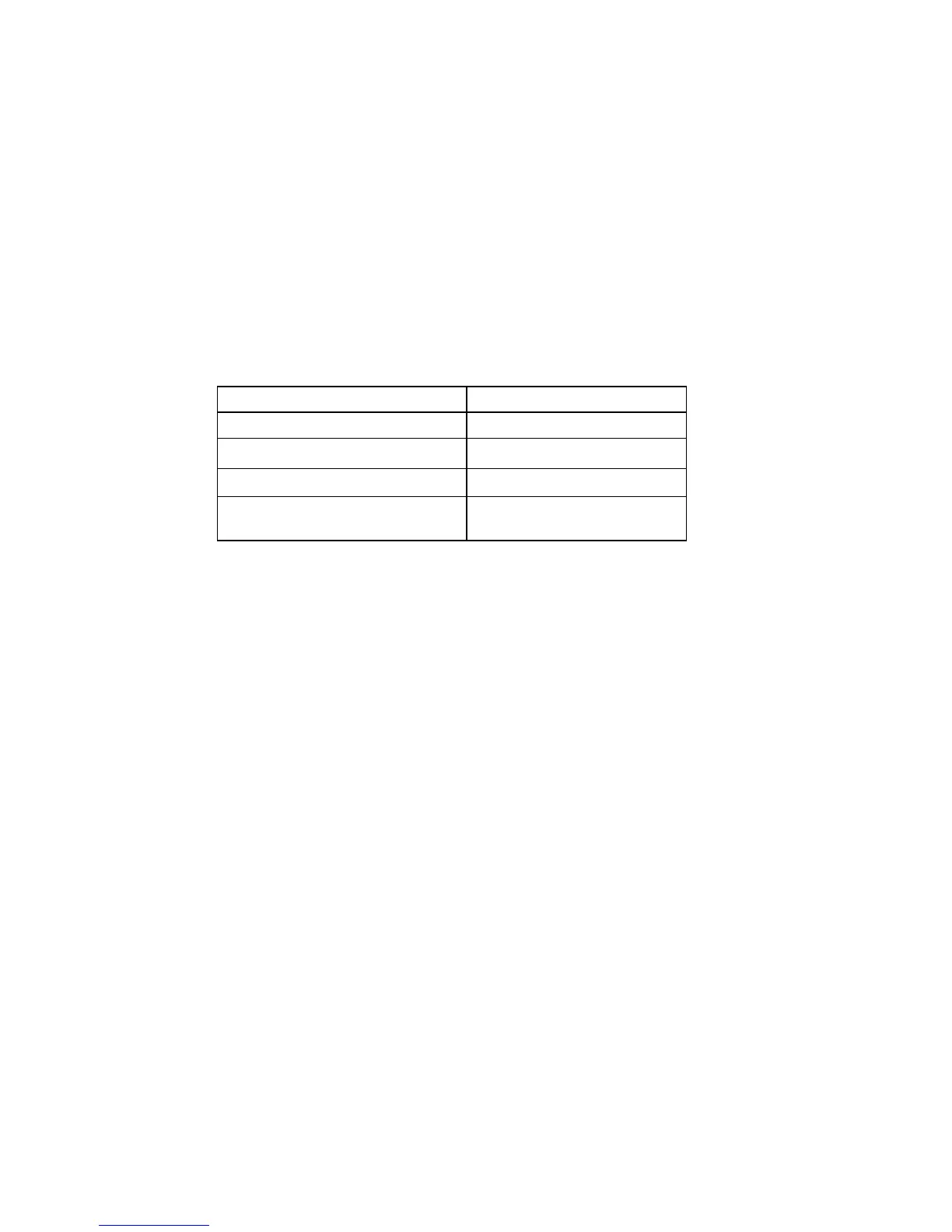
Extension Status Red LED
On Hook Off
Busy Continuously On
Ringing Blinking
[FT10] Calling the
Operator
Blinking fast
NOTE: LEDs light in reverse colour based on the “page key”. LED of the extension who
is in the conversation with the FT user or LED of the parked extension/line lights in the
direct contrary colour to the “page” key. For example, while the page key is lighting in
red colour, one of the exact extension LED, who is in the conversation with this FT
user, will light in green. If the page key lights in green, in this case the LED of this
extension will light in red. This facility is only valid for FT20 telephone sets.
Line Programming
It enables you to program a specific line number on a key. By pressing that key, you
can access the line that has been programmed on the key and make a call (provided
that it is vacant) and you can access that number by a single key. In order to do that,
one proceeds to the extension programming menu.
♦ Press Key: The key, on which the programming will be done, is pressed for a
short or a long period in order to select the first or the second function,
respectively.
♦ Line no: If a determined line number is entered and confirmed, then that line
number will have been assigned to that key.
Programming one of the line access codes such as 01,02… for FT10 is sufficient for
accessing the line directly when the programmed key is pressed. The programmed key
detects the number as 701,702… and provides making calls by accessing the line. If an
incorrect code is entered, on the other hand, the user is warned by the message
“Erroneous Number”.
For FT20, on the other hand, it is necessary to enter the line access codes that are
present in the system 701,702,703…. That code could be of at most 8 digits. In case a



 To Next Page