Instructions for use ELECTROmatic M/C and PM/PC
4 Installation | 4.2 Installation positions
32 / 78
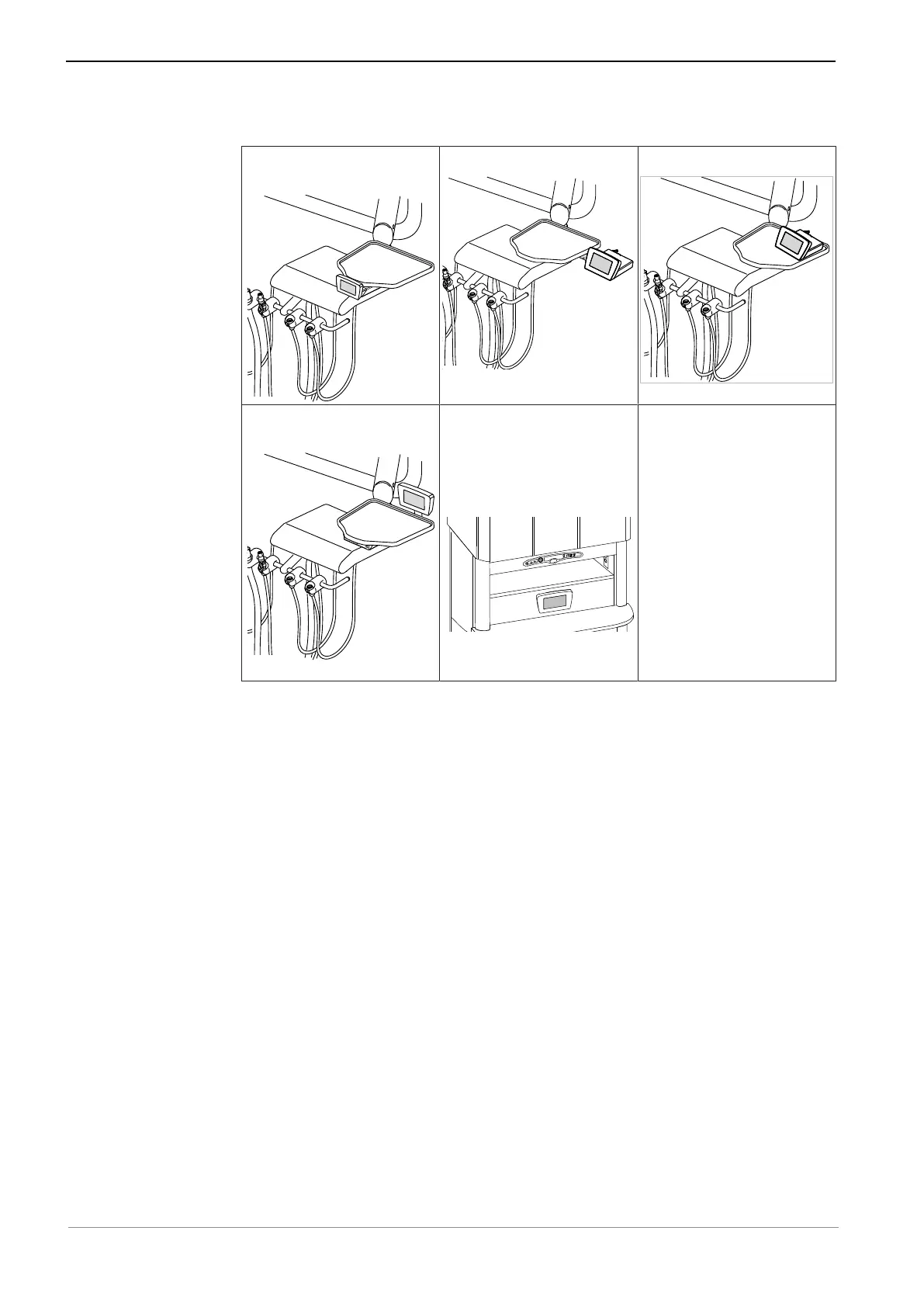
▪ Installation position 4: Mount control panel as remote control
Below a holder with insert
holder
On the side of a holder On a holder
Install control panel on
holder as remote control
Install control panel on
cabinet/wall as remote
control
Optional: Install control panel as remote control (PM/PC
only)
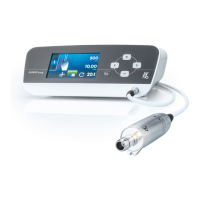
All installation positions afford the opportunity to install the ELECTROmatic in
two separate parts: The control panel as a remote control and the control unit
in two different installation positions.
For this purpose, the control panel must be disconnected from the control unit.
See also:
2 4.7.1 Disconnect the control panel from the control unit and install it on the
mounting bracket, Page 39
The control panel is connected to the control unit by a standard telephone cable
of 80 cm in length.










 To Next Page