Global Section
Adjusting EQ parameters (cont.)
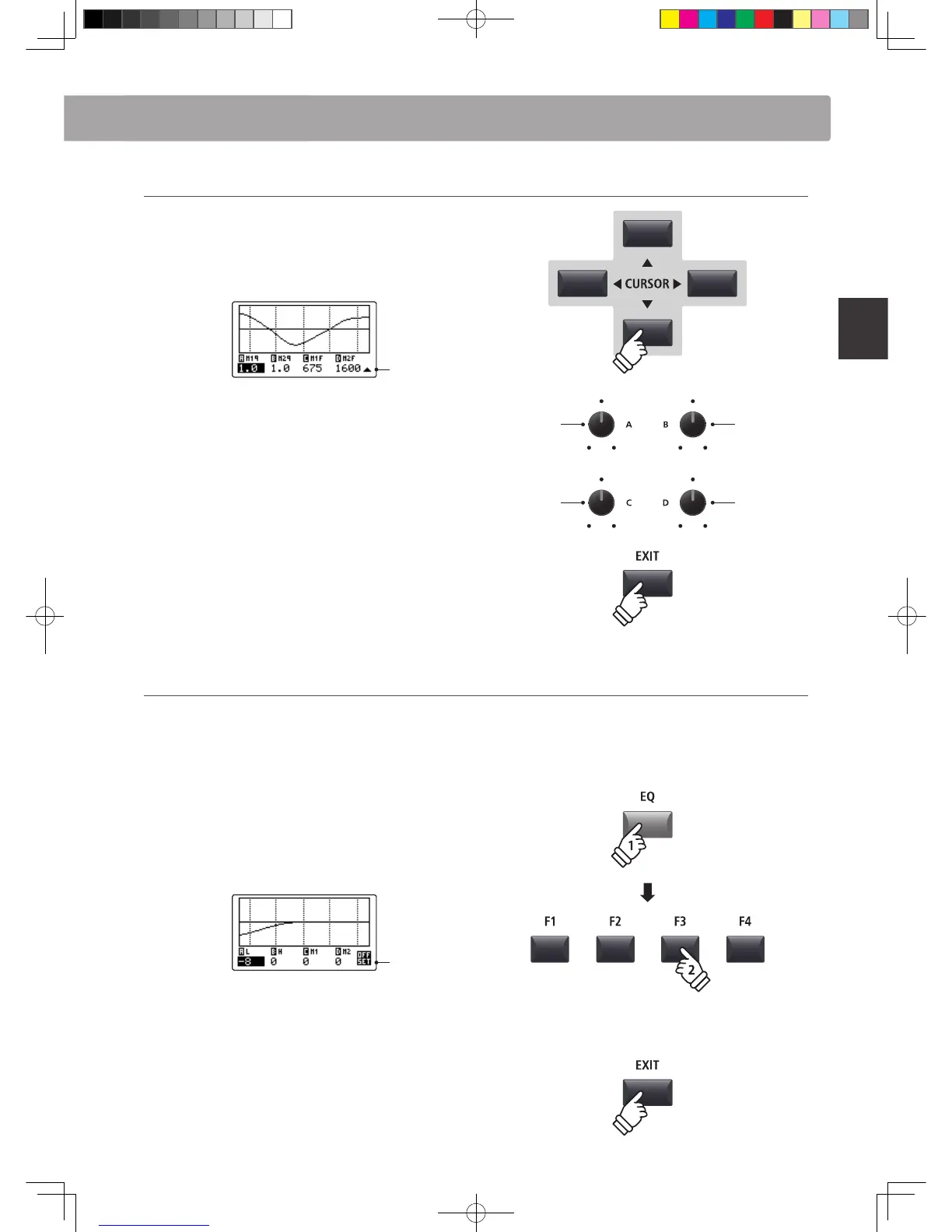
While the gain page of the EQ is shown:
Press the CURSOR button.
The frequency page of the EQ will be shown in the LCD display.
Previous
page
Press the CURSOR buttons to select the desired EQ
parameter, then press the +/YES or -/NO buttons to increase or
decrease the values.
Alternatively, turn the control knobs (A, B, C, D) to adjust the EQ
parameter assigned to that knob.
Press the EXIT button to return to the main playing screen.
Jump to EQ Oset shortcut
The EQ Oset is a SYSTEM parameter used to oset adjustments made by the EQ. The purpose of the EQ Oset
is to allow a ‘baseline’ EQ to be applied independently of the EQ function, and therefore independently of the
selected SETUP. EQ Oset must be enabled in the SYSTEM menu for this shortcut to function.
To jump to the EQ Oset screen, at any time:
Press and hold the EQ button, then press one of the F1~F4
buttons.
The EQ Oset screen will be shown in the LCD display.
Oset
page
The EQ Oset parameters are adjustable in the same manner as
the EQ gain parameters.
* The EQ Oset values will be added to the regular EQ values. The combined
EQ values are limited to ±10 dB.
Press the EXIT button to return to the EQ screen.
Press the EXIT button again to return to the main playing screen.
Mid1
frequency
Mid1
bandwidth
Mid2
frequency
Mid2
bandwidth
hold



 To Next Page