USB Menu functions
5
Format
This function allows a USB memory device to be formatted, erasing all stored data.
The Format function will erase all data stored on the connected USB memory device.
Exercise caution when using this function in order to prevent accidental data loss.
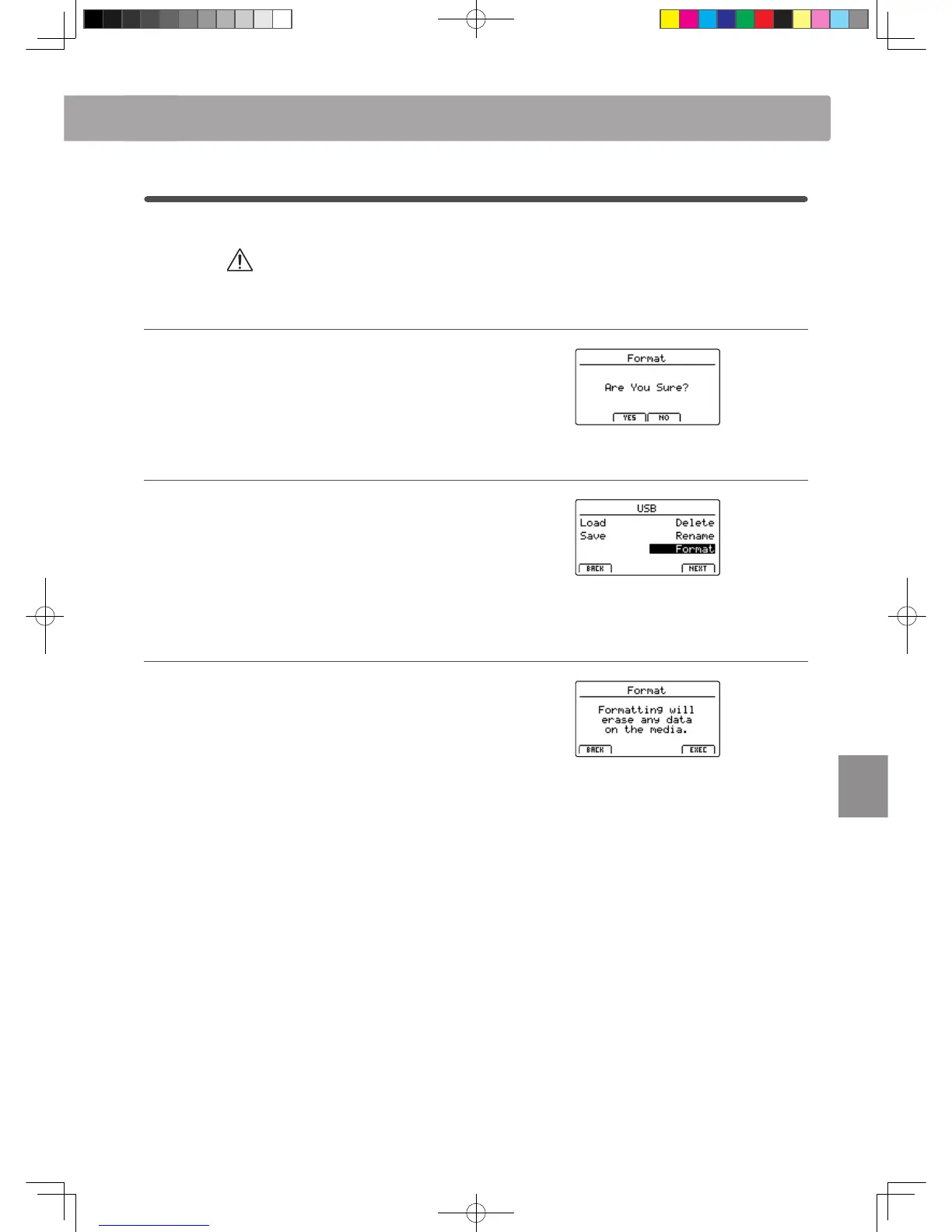
1. Selecting the Format function
Press the CURSOR buttons then the +/YES button or F4 function
button (NEXT) to select the format function.
Press the –/NO or F1 function button (BACK) to return to the
previous screen.
2. First conrmation prompt
The rst conrmation prompt will be shown in the LCD display.
Press the +/YES button or F4 function button (EXEC) to select
the proceed with the format function.
Press the –/NO or F1 function button (BACK) to return to the
previous screen.
3. Final conrmation prompt
A nal conrmation prompt will be shown in the LCD display.
Press the +/YES button or F4 function button (EXEC) to select
the proceed with the format function.
Press the –/NO or F1 function button (BACK) to return to the
previous screen.



 To Next Page