2.7 Transpose
When the Transpose function is “ON” the MP6’s key can be raised or lowered
in half steps. The available range of transposition is 24 semitones, either up or
down.
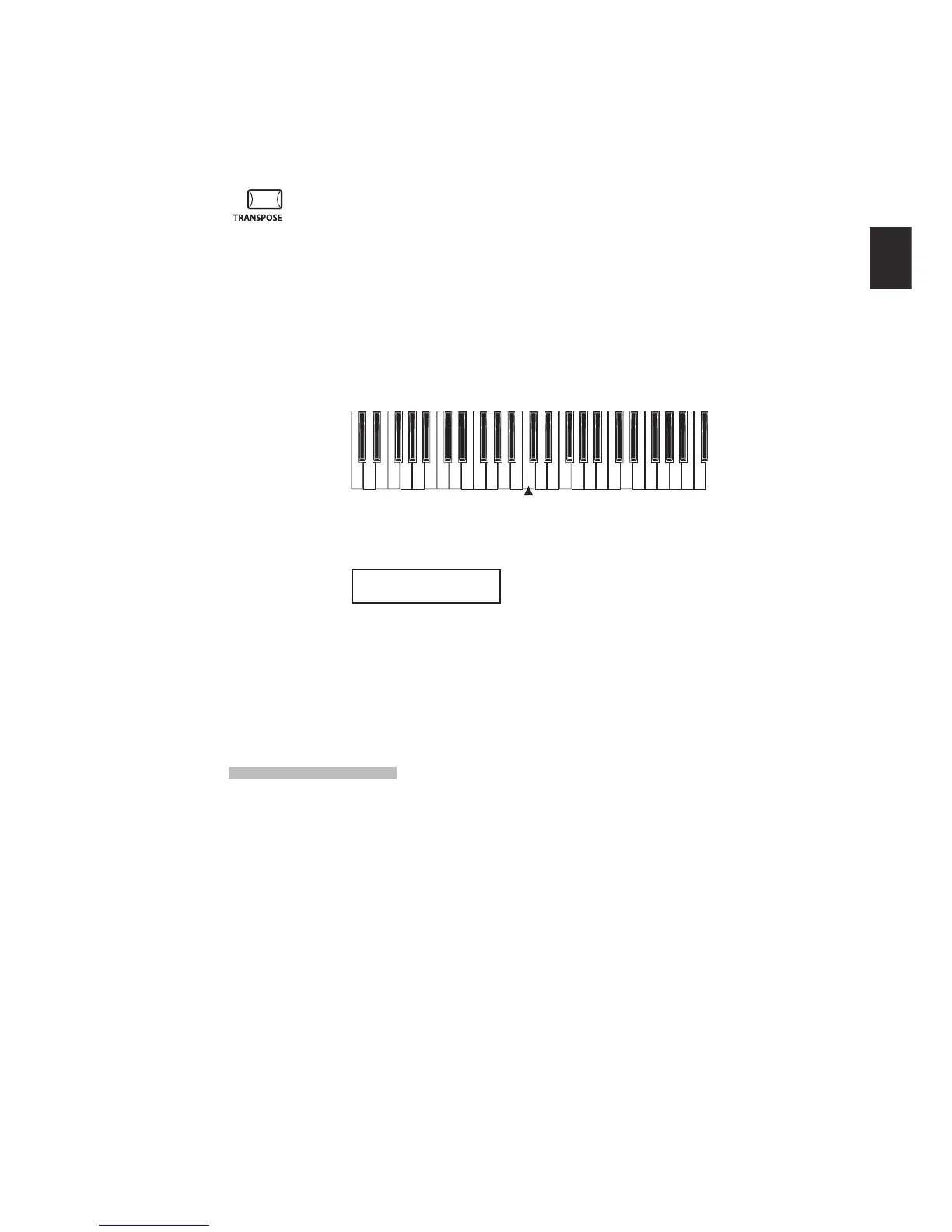
While holding down the TRANSPOSE button, press any key on the MP6 keyboard
to select a new transposed key. Pressing the F key above middle C for example
will transpose the MP6 UP to the key of F (+5 half steps).
The transpose amount can also be set using the VALUE buttons.
While holding the TRANSPOSE button down, press the VALUE buttons to change
the transpose amount.
-24 -12 0 +12 +24
C3
The display shows the current TRANSPOSE amount when the TRANSPOSE
button is held down. A value of “0” indicates no transposition.
MASTER TRANS
+10
2.8 Using the MP6 as a MIDI controller
The MP6 can control external devices via MIDI.
MIDI Connection
Connect the MIDI OUT on the MP6 to the MIDI IN on an external MIDI device
with a MIDI cable.



 To Next Page