60
10. SYSTEM Button
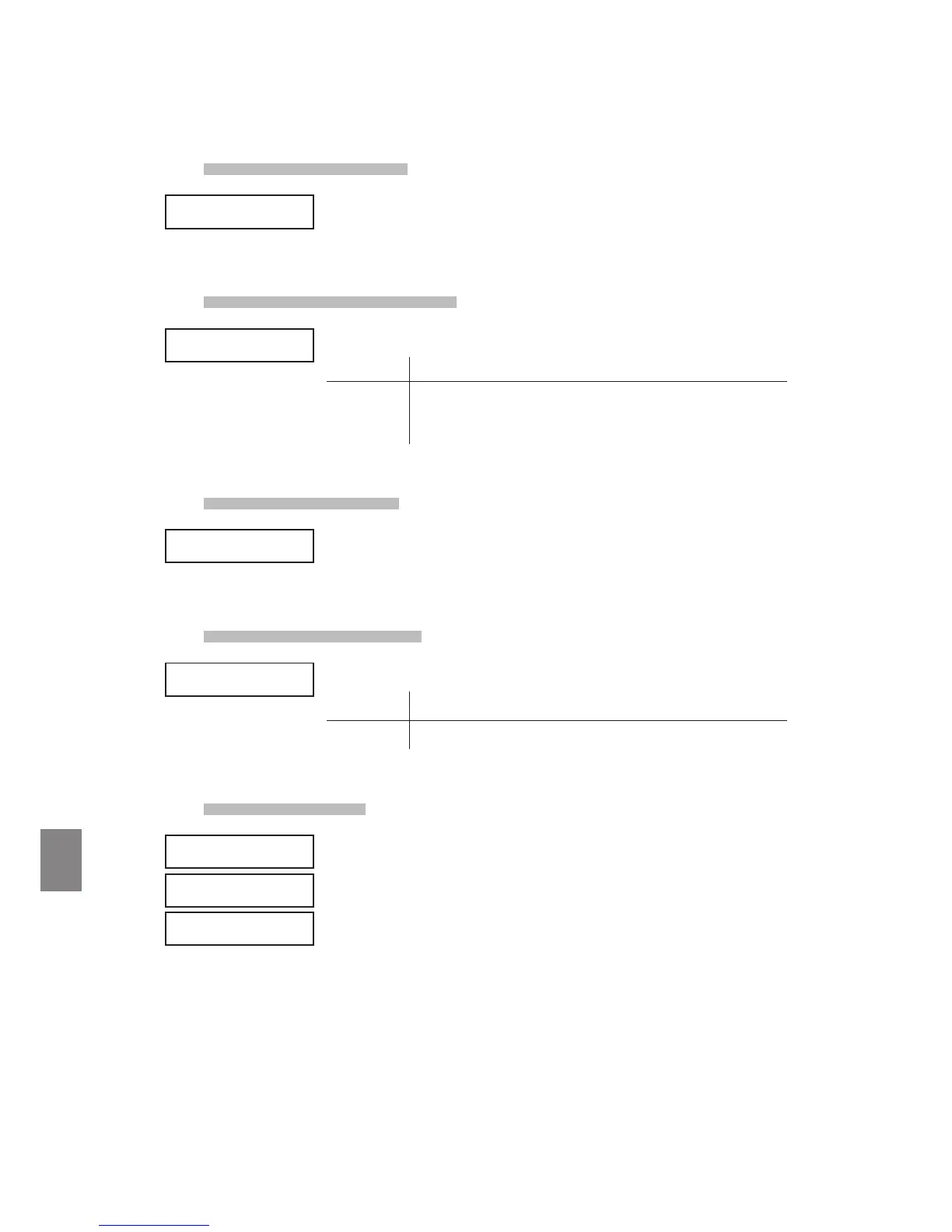
10.2.3 System Tuning
This parameter sets the global master tuning of the MP6. The value changes
from 427.0 to 453.0 (Hz).
10.2.4 Volume Slider Action
This parameter sets how the volume sliders react, when you change the volume.
Normal The value changes immediately, when the volume slider is moved.
Catch The value won’t change until the volume slider catches the position
of the previously saved Volume value. This setting is designed for
live editing to prevent you from unexpected volume jumps.
10.2.5 Reverb Oset
This parameter sets the global reverb depth oset. The value changes from 0 to
100%. You can decrease the whole depth of the MP6.
10.2.6 EQ Oset On/O
This parameter sets the global EQ.
On The global EQ settings are added to the EQ knob settings.
O The global EQ is disabled.
10.2.7 EQ Oset
This parameter sets the global EQ oset value of the MP6. The value changes
from -9 to +9 (dB).
These parameters - High, Mid and Low - are each added to the EQ knob
settings.
In the case that the total value exceeds +-9dB, it is limited to +-9dB.
When the EQ Oset On/O is set to O, this page won’t be displayed
SYSTEM
SysTune = 440.0
SYSTEM
SysTune = 440.0
SYSTEM
VolAction=Catch
SYSTEM
VolAction=Catch
SYSTEM
Rev.Offset =100%
SYSTEM
Rev.Offset =100%
SYSTEM
EQ Offset = On
SYSTEM
EQ Offset = On
SYSTEM
EQ High = 0
SYSTEM
EQ Mid = 0
SYSTEM
EQ Low = 0
SYSTEM
EQ High = 0
SYSTEM
EQ Mid = 0
SYSTEM
EQ Low = 0



 To Next Page