6.3.7 Modulation Wheel CC# (Control Change)
This parameter assigns a Control Change Number to the Modulation Wheel on
the right side of the front panel.
If “AFT” is selected, the modulation wheel is used to send After Touch information.
If “RTR” is selected, the modulation wheel is used to switch the speed of the
rotary speaker between slow and fast when the Rotary eect is in use.
If “AMP” is selected, the modulation wheel is used to turn the AMP simulator
on/o.
See page 96 for the list of Control Change numbers.
Note:
When the following Numbers are selected for the FootSW,EXP or Modulation
Wheel Control Change Number, the functions aect the internal sounds, too.
1 Modulation Wheel (MOD)
7 Volume (VOL)
10 Pan (PAN)
11 Expression Controller (EXP)
64 Damper Pedal (HLD)
66 Sostenuto (SST)
67 Soft Pedal (SFT)
6.3.8 Left Pedal Mode
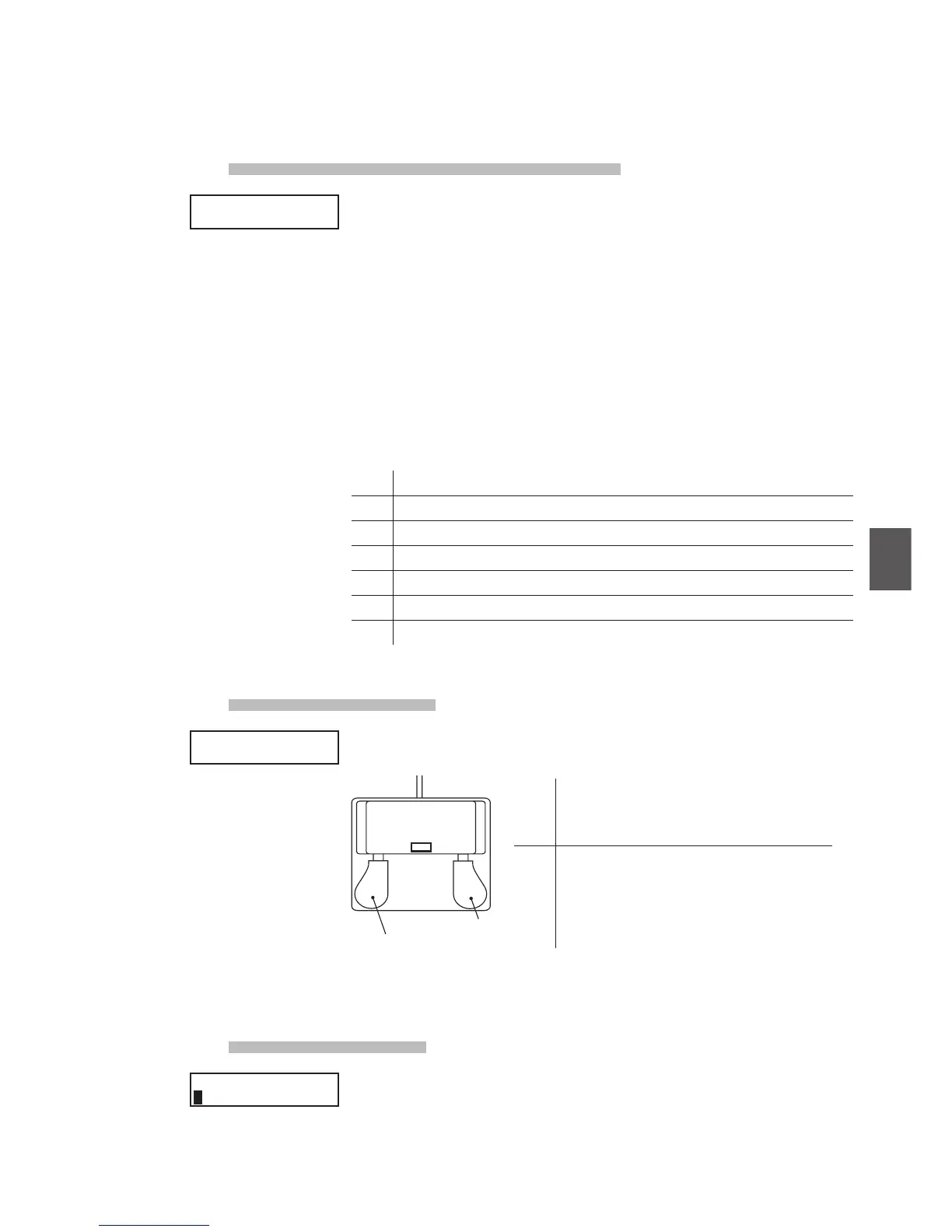
This parameter determines whether the left pedal of the optional F-20 (twin
pedal) accessory functions as Soft or Sost (Sostenuto).
Left Pedal
Right Pedal
(FSW)
F-20
6.3.9 Master Volume
Adjust the total volume of the SETUP.
The value changes from 0 to 127.
COMMON
M.WheelCC# = Mod
COMMON
M.WheelCC# = Mod
COMMON
Left Pedal =Soft
COMMON
Left Pedal =Soft
COMMON
SMaster Vol= 127
COMMON
SMaster Vol= 127
Soft The Left Pedal works as a Soft Pedal ( Default ).
When the Rotary EFX is in use, the Soft Pedal
changes function to a Fast/Slow Rotor switch.
Sost The Left Pedal works as a Sostenuto Pedal.
When the Damper setting (see page 41) is O or
Norm, the
sostenuto pedal works with natural
decay. When the Damper setting is Hold, the
sostenuto pedal works with a steady sustain level.



 To Next Page