EasyManua.ls Logo

Kaypro 10 - Page 122

Kaypro 10
155 pages
Print Icon
To Next Page IconTo Next Page
To Previous Page IconTo Previous Page
Loading...
2.1
HOW
TO
BACK
UP
FILES
Let's
assume
the
files
FILEA.DAT, FILEB.DAT, FILEC.DAT and FILED.DAT are on
your
hard
disk
which
is drive A:.
Assume
also
that
,
although
some may
fit
on a
single
disk
, others are larger than an
entire
floppy
disk. The CPIM program PIP
could
be used
to
copy
the
small
files
,
but
the large
files
cannot
be copied
using
PIP.
To
make a backup
copy
of
all
four
files:
1. Determine the size
of
your
source
file(s} by using
STAT
or
a
similar
utility.
2.
Prepare enough blank,
formatted
flexible
disks
to
contain
the parts
of
the
source
file(s}. CAUTION: If you
do
not
have enough
disks
prepared
before
you begin
the
process, you
will
have to abort
the
program,
format
more
disks,
and re-run the
MUFBACK
program.
3.
Get
the
CPIM prompt.
4. Type: MUFBACK
Press RETURN.
You
will
receive the
following
message:
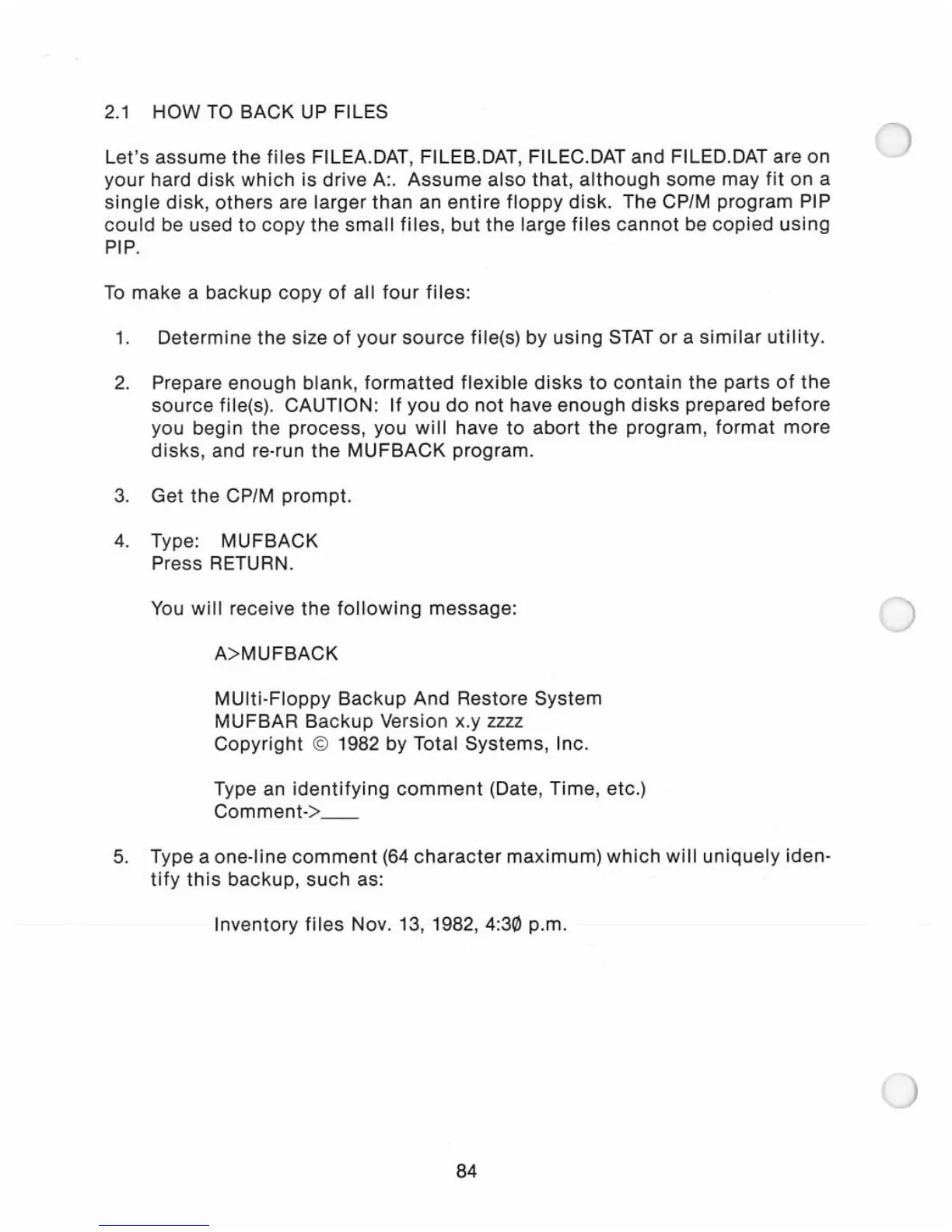
A> MUFBACK
MUlti-Floppy
Backup
And Restore System
MUFBAR
Backup
Version x.y zzzz
Copyright
© 1982 by Total Systems, Inc.
Type an
ident
i
fying
comment
(Date,
Time
, etc.)
Comment->
__
5. Type a one-line
comment
(64
character
maximum)
which
will
uniquely
iden-
tify
this
backup
,
such
as:
Inventory
files
Nov. 13, 1982,4:30 p.m.
84

Related product manuals