EasyManua.ls Logo

Kaypro 10 - Character Attributes Commands

Kaypro 10
155 pages
Print Icon
To Next Page IconTo Next Page
To Previous Page IconTo Previous Page
Loading...
)
)
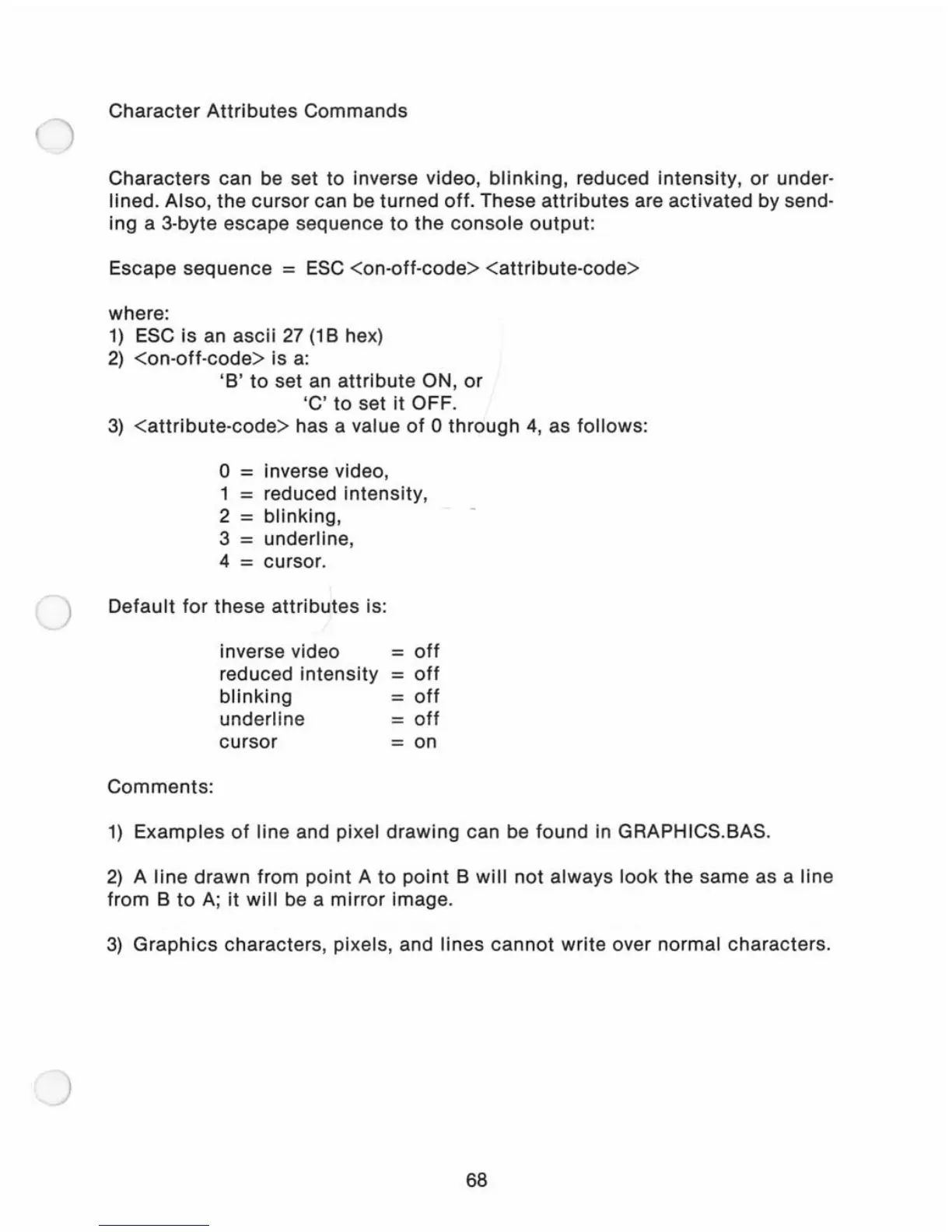
Character
Attributes
Commands
Characters
can be set
to
inverse video,
blinking,
reduced intensity,
or
under-
lined. Also,
the
cursor
can be turned off. These
attributes
are activated by send-
ing a 3-byte escape sequence
to
the
console
output:
Escape sequence =
ESC
<on-oft-code>
<attribute-code>
where:
1)
ESC is an
ascii
27
(1
B hex)
2)
<on-off-code>
is
a:
'B'
to
set an
attribute
ON,
or
'C'
to
set it OFF.
3)
<attribute-code>
has a value
of
0
through
4, as follows:
o =
inverse video,
1
=
reduced intensity,
2
=
blinking,
3
=
underline,
4
=
cursor.
Default
for
these
attributes
is:
Comments:
inverse video
reduced
intensity
blinking
underline
cursor
=
off
=
oft
=
oft
=
oft
= on
1)
Examples
of
line and pixel drawing can be found in GRAPHICS.BAS.
2)
A
line
drawn from point A
to
point
B
will
not always
look
the
same as a line
from B
to
A;
it
will
be a mirror image.
3)
Graphics
characters, pixels, and lines
cannot
write over normal characters.
68

Related product manuals