EasyManua.ls Logo

Kaypro 10 - KEYS ON THE LEFT OF THE KEYBOARD

Kaypro 10
155 pages
Print Icon
To Next Page IconTo Next Page
To Previous Page IconTo Previous Page
Loading...
CTRL
KEYS ON
THE
LEFT
OF
THE
KEYBOARD
SHIFT
11
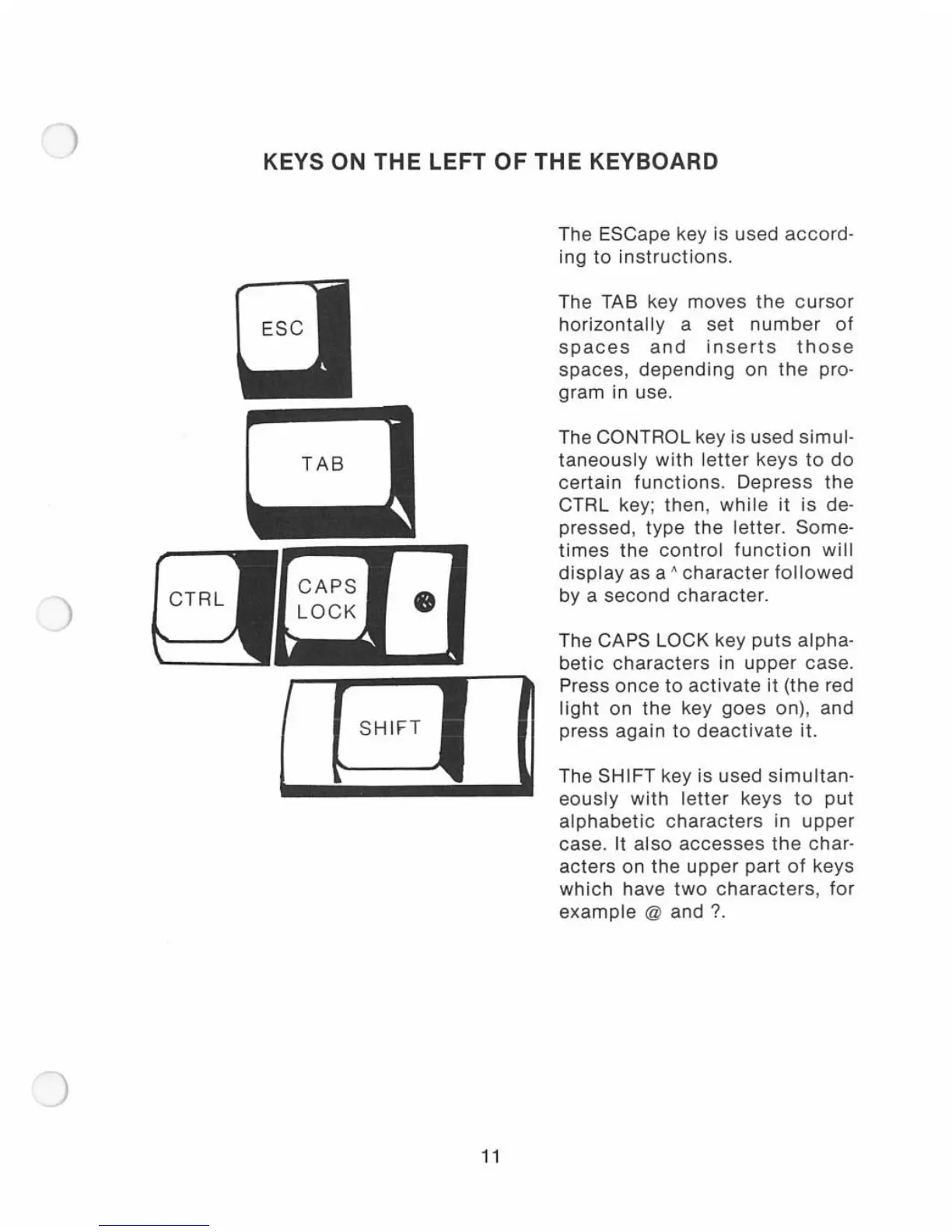
The ESCape key is used
accord-
ing
to
instructions.
The TAB key moves
the
cursor
horizontally
a set
number
of
spaces
and
inserts
those
spaces,
depending
on
the
pro-
gram in use.
The
CONTROL key is used simul-
taneously
with
letter
keys
to
do
certain
functions.
Depress
the
CTRL key; then,
while
it
is
de-
pressed,
type
the
letter. Some-
times
the
control
function
will
di
splay
as a A
character
followed
by a second character.
The
CAPS LOCK key
puts
alpha-
betic
characters
in
upper
case.
Press
once
to
activate
it
(the red
light
on
the
key
goes
on), and
press again
to
deactivate
it.
The
SHIFT key is used
simultan-
eously
with
letter
keys
to
put
alphabetic
characters
in
upper
case. It
also
accesses
the
char-
acters
on
the
upper
part
of
keys
which
have
two
characters
,
for
example
@ and ?

Related product manuals