EasyManua.ls Logo

Kaypro 10 - Page 24

Kaypro 10
155 pages
Print Icon
To Next Page IconTo Next Page
To Previous Page IconTo Previous Page
Loading...
POWER:
Do not turn the
computer
ON
or
OFF
with
a
diskette
in the drive.
Always
remove the
diskette
before
turning
OFF the computer.
Do
not
have the
diskette
in the drive when you turn ON the power.
HANDLE
DISKETTES WITH CARE: Do
not
flex
or
bend
diskettes.
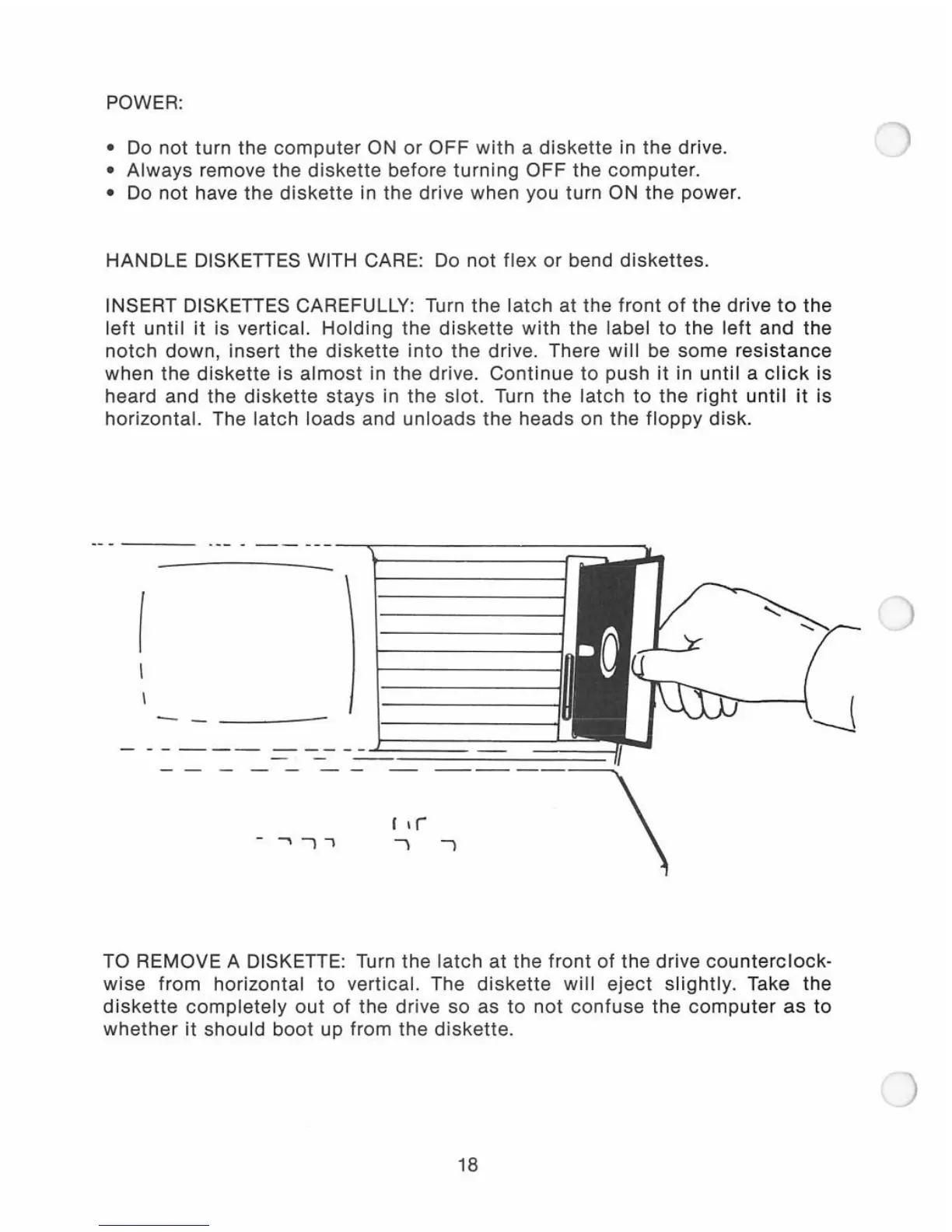
INSERT DISKETTES CAREFULLY: Turn the
latch
at the
front
of
the drive
to
the
left
until
it
is vertical.
Holding
the
diskette
with
the label
to
the
left
and
the
notch
down,
insert
the
diskette
into
the drive. There
will
be
some
resistance
when the
diskette
is
almost
in the drive.
Continue
to
push
it
in
until
a
click
is
heard and the
diskette
stays
in the
slot.
Turn
the
latch
to
the right
until
it
is
horizontal. The
latch
loads and
unloads
the heads on the
floppy
disk
.
. _- -
--
---
-~-----------
I
-
-,
"
~r~---\
TO REMOVE A DISKETTE: Turn the
latch
at
the
front
of
the drive
counterclock-
wise
from
horizontal
to
vertical. The
diskette
will
eject
slightly.
Take the
diskette
completely
out
of
the drive so as
to
not
confuse
the
computer
as
to
whether
it
should
boot
up
from
the
diskette
.
18

Related product manuals