EasyManua.ls Logo

Kaypro 10 - Getting Started with Perfect Filer

Kaypro 10
155 pages
Print Icon
To Next Page IconTo Next Page
To Previous Page IconTo Previous Page
Loading...
)
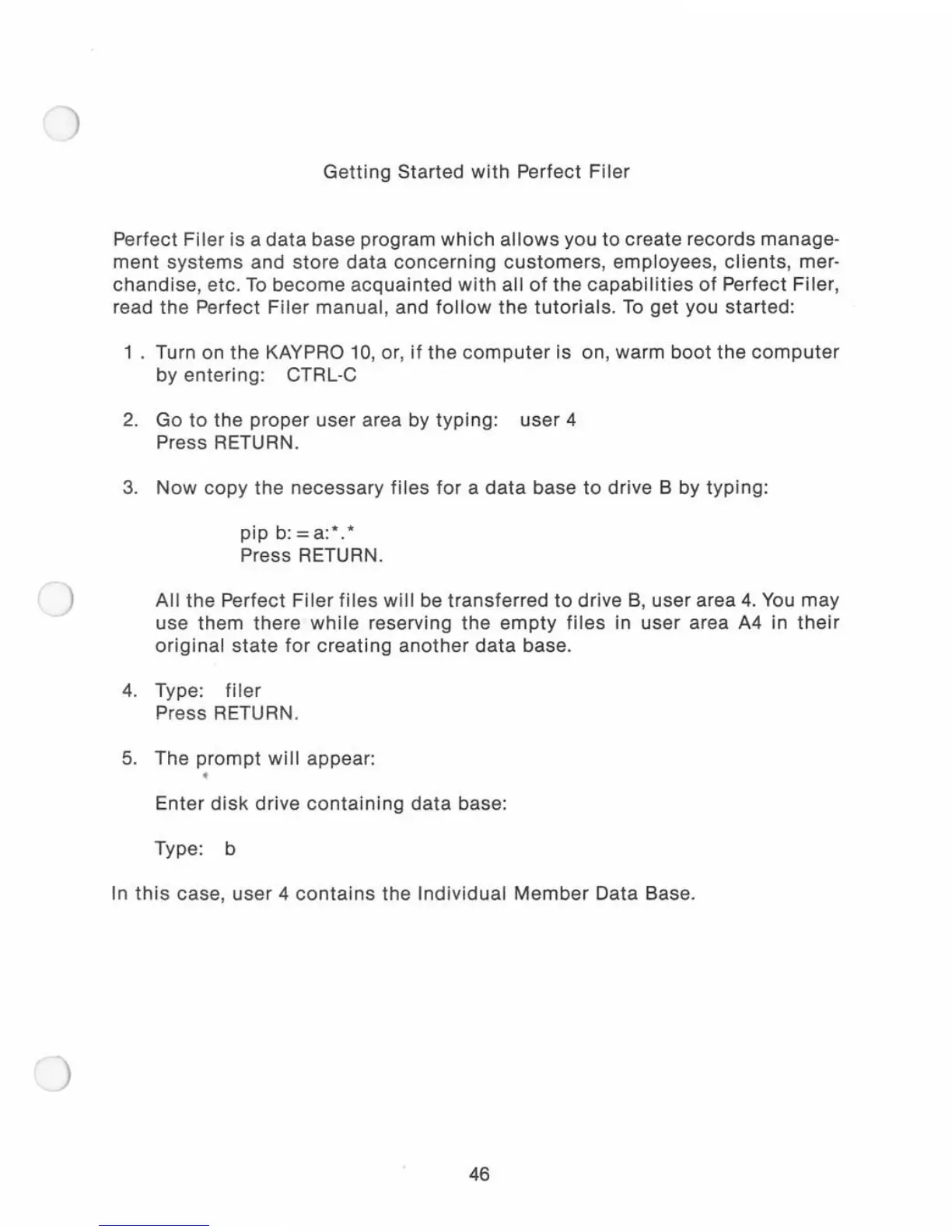
Getting
Started
with
Perfect
Filer
Perfect
Filer
is a
data
base program
which
allows
you to create records manage-
ment
systems
and
sto
re
data
concerning
customers,
employees,
clients,
mer-
chandise,
etc
.
To
become
acquainted
with
all
of
the
capabilities
of
Perfect Filer,
read the Perfect
Filer
manual, and
follow
the
tutorials.
To
get you started:
1 . Turn on
the
KAYPRO
10,
or
,
if
the
computer
is on, warm
boot
the
computer
by entering: CTRL-C
2.
Go
to
the proper
user
area by
typing:
user 4
Press RETURN.
3.
Now
copy
the
necessary
files
for
a
data
base
to
drive B by
typing:
pip
b:=a:*.*
Press RETURN.
All
the
Perfect
Filer
files
will
be
transferred
to
drive
B,
user area
4.
You
may
use them there
while
reserving the
empty
files
in user area
A4
in
their
original
state
for
creating
another
data
base.
4.
Type:
filer
Pr
ess
RETURN.
5.
The
prompt
will
appear:
Enter
disk
drive
containing
data
base:
Type: b
In
this
case,
user
4
conta
ins the Individual
Member
Data Base.
46

Related product manuals