Installation – Setup Wizard
11
Starting the Setup Wizard
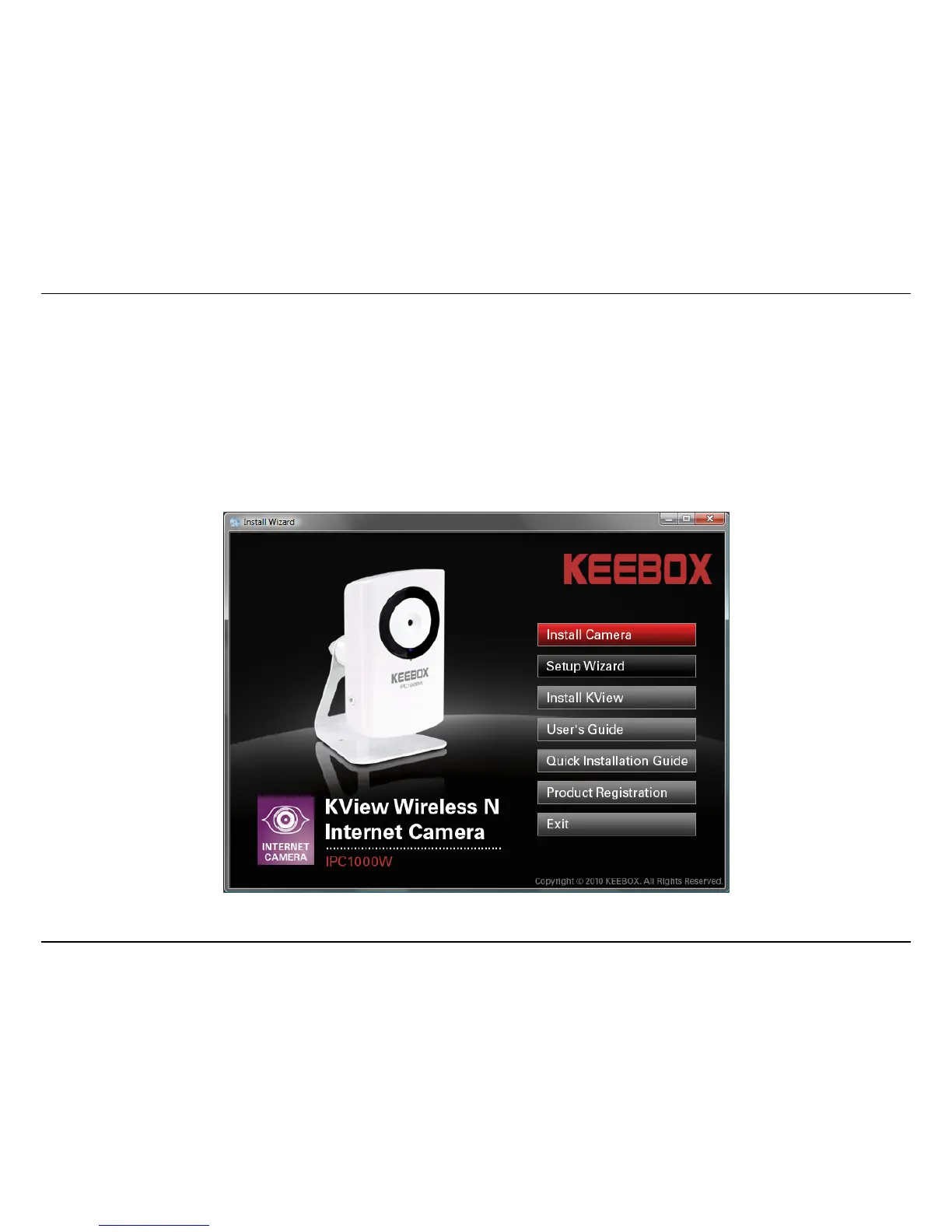
Insert the included CD-ROM into your CD/DVD drive. The Install Wizard program will run automatically.
Note: If the Install Wizard does not run, you may have autorun disabled on your machine. In this case, browse to the CD drive and run
InstallWizard.exe to begin the installation wizard.
Begin by selecting Setup Wizard and follow the on-screen steps to continue the installation.



 To Next Page