Configuration – Using the web-based configuration interface
72
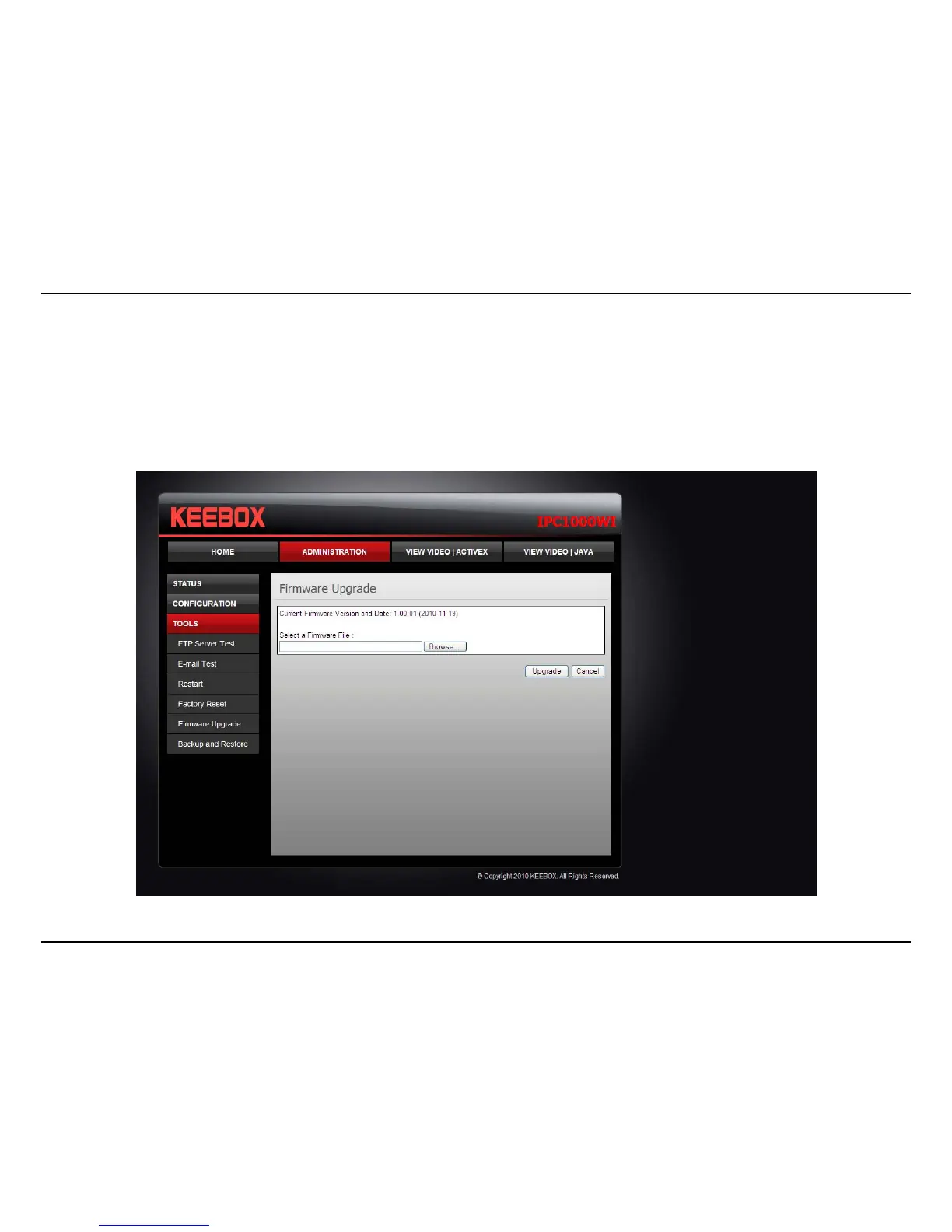
Firmware Upgrade
Keebox may occasionally provide new firmware on the Keebox website. If you need to update your camera’s firmware you can do it on this screen.
Click the Browse button and locate the firmware file you saved on your computer and choose Open. When you are ready, click the Upgrade button
to begin the firmware upgrade.
Note: Upgrading the firmware is a sensitive process. Be sure that you have the correct firmware for your model of camera and do not disconnect the
power during the upgrade process.



 To Next Page