Configuration – Using the web-based configuration interface
55
Configuring camera settings
The IPC1000W/IPC1000WI allows you to make configuration changes from anywhere by connecting to the camera using a standard web browser.
To configure camera settings:
1. Login to the camera as described in the section Using the web-based configuration interface.
2. Click ADMINISTRATION. The system status screen appears.
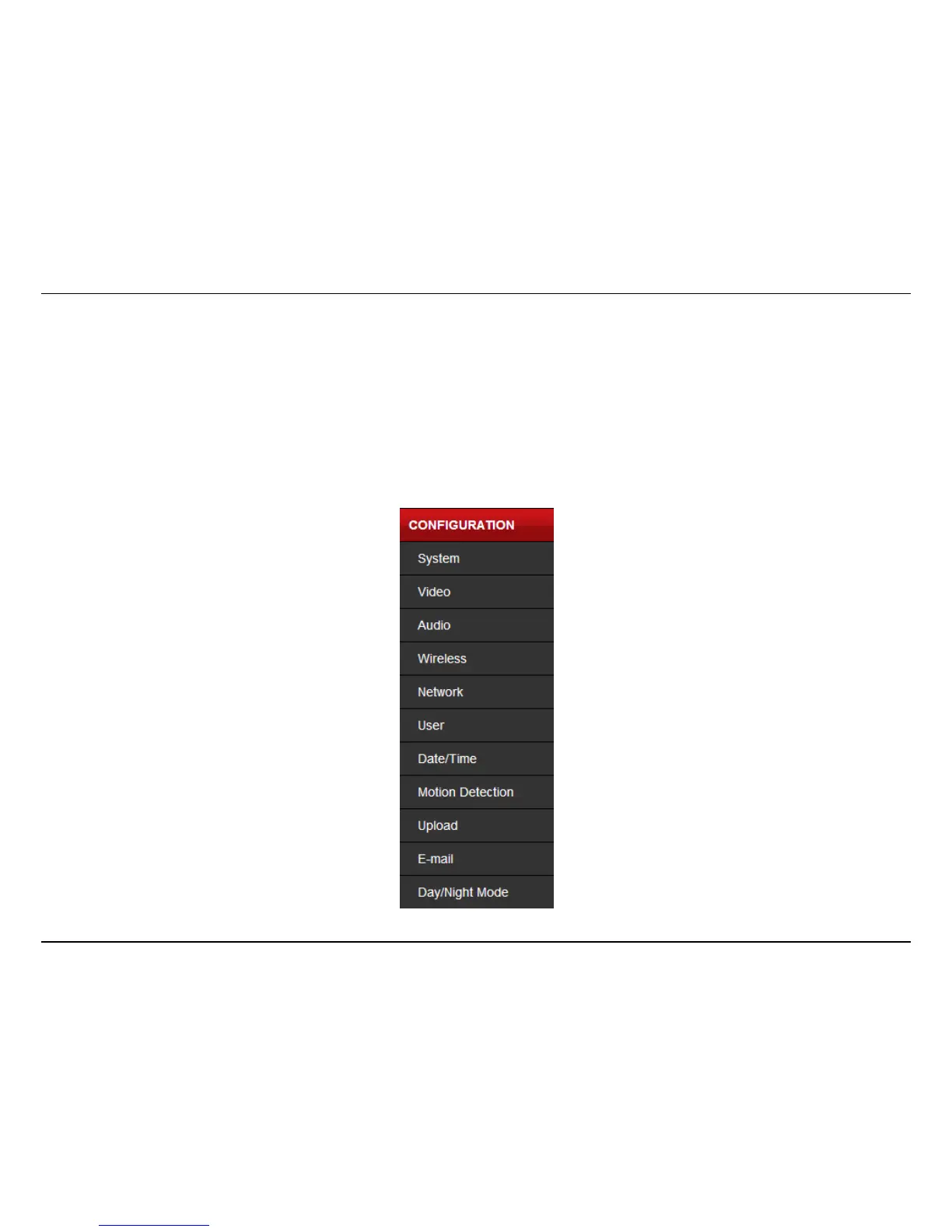
3. Click CONFIGURATION from the menu on the left side of the screen. The System configuration screen is displayed. You can then click on
any of the menu items on the left of the screen under the Configuration menu to modify settings.



 To Next Page