Configuration – Using the web-based configuration interface
71
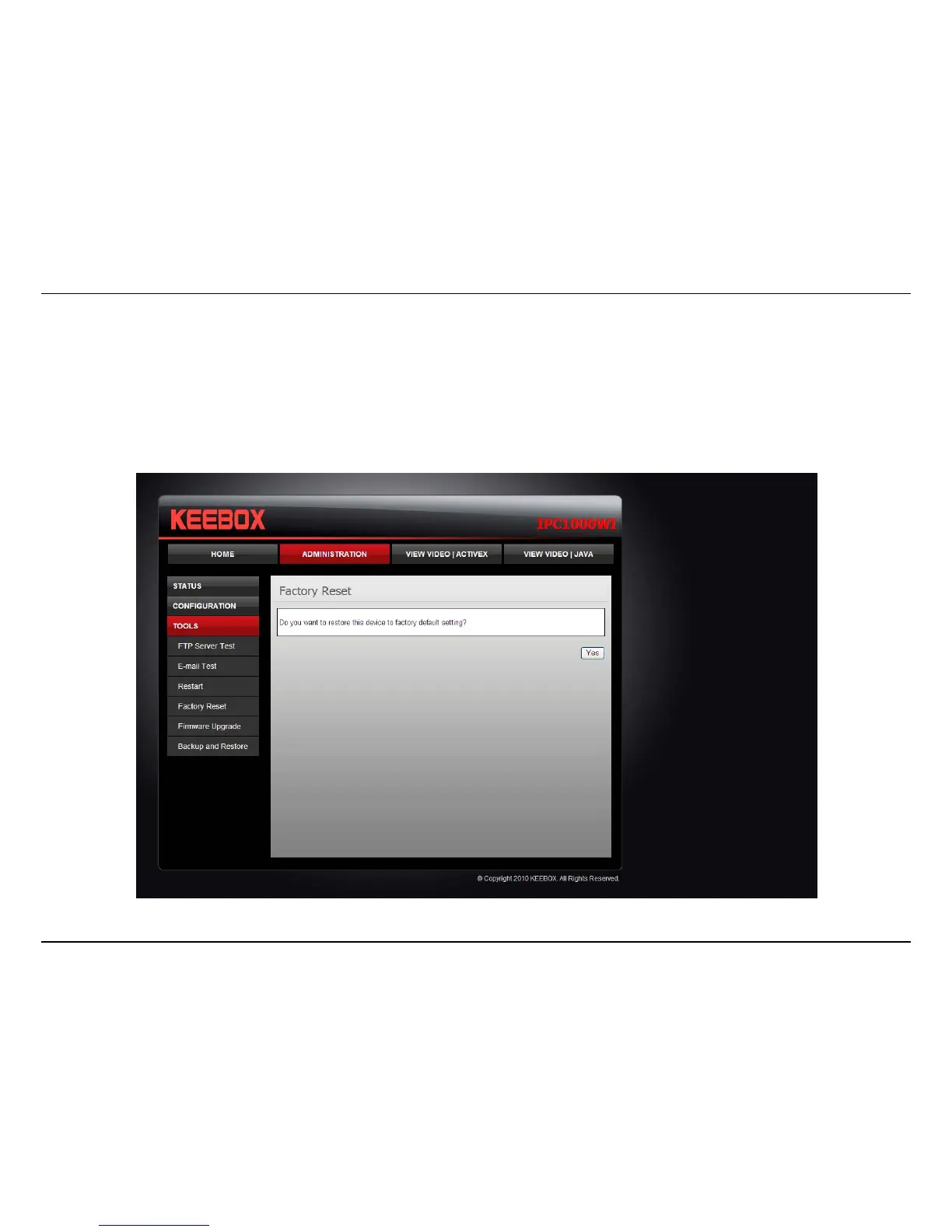
Factory Reset
If you should need to restore the camera to the factory settings, you can do it from this screen. Clicking Yes will initiate a reboot sequence on the
camera. When the camera restarts, you will lose your connection to it. The username and password will also both be set back to the default admin.
Wait 1 minute before attempting to reconnect to the camera so that it has time to go through its boot up sequence.
Note: Factory reset will erase the current configuration settings on the camera. You should back up the settings first if you wish to keep them. See
the Backup and Restore section for more information.



 To Next Page