Configuration – Using the web-based configuration interface
61
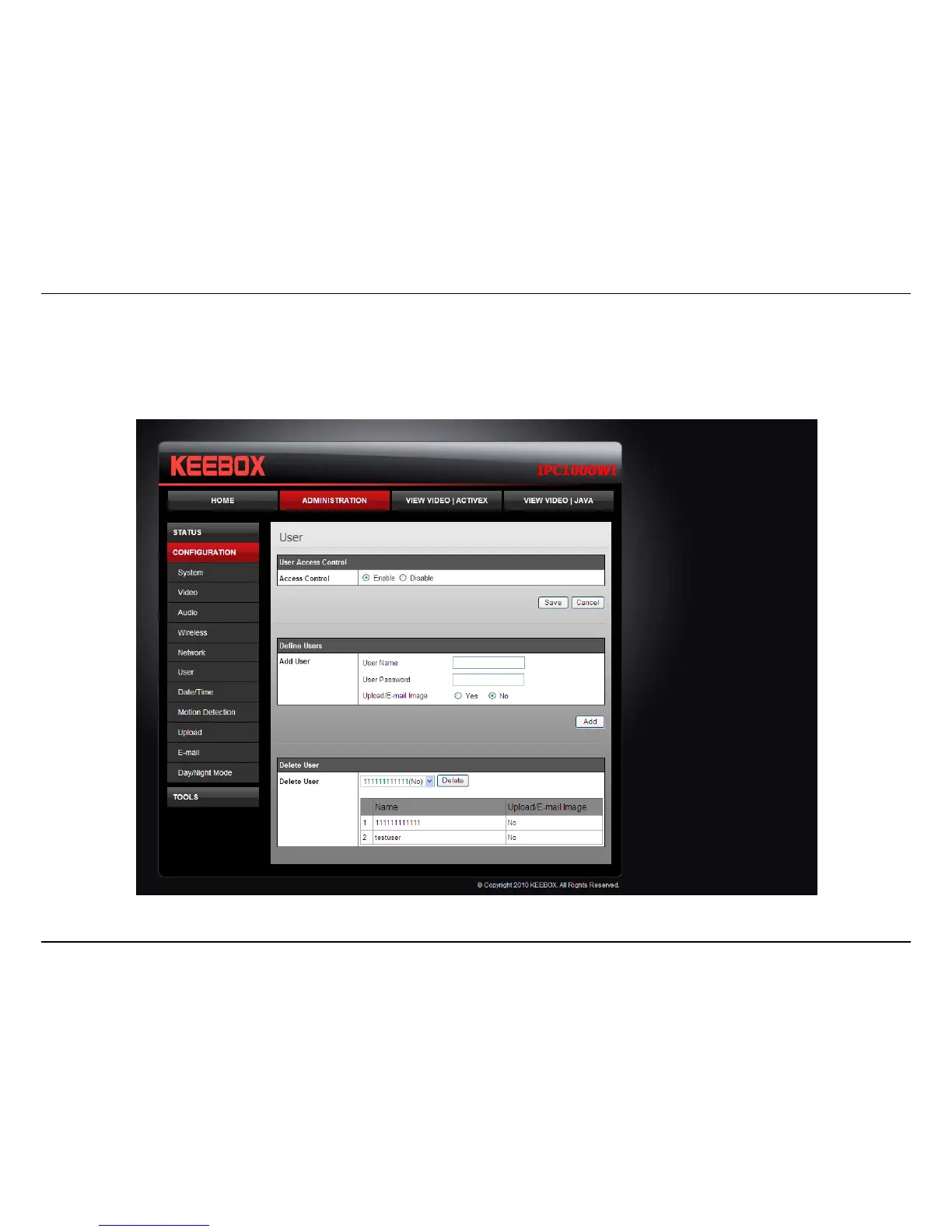
User
• User Access Control: Enable this to allow user accounts to connect to the camera.
• Define Users: You can create new user accounts here. Enter a user name and password and select whether the user is allowed to upload or
email an image from the camera.
• Delete User: Select a user from the drop down menu and click the Delete button to remove a user account from the camera.



 To Next Page