Configuration – Using the web-based configuration interface
73
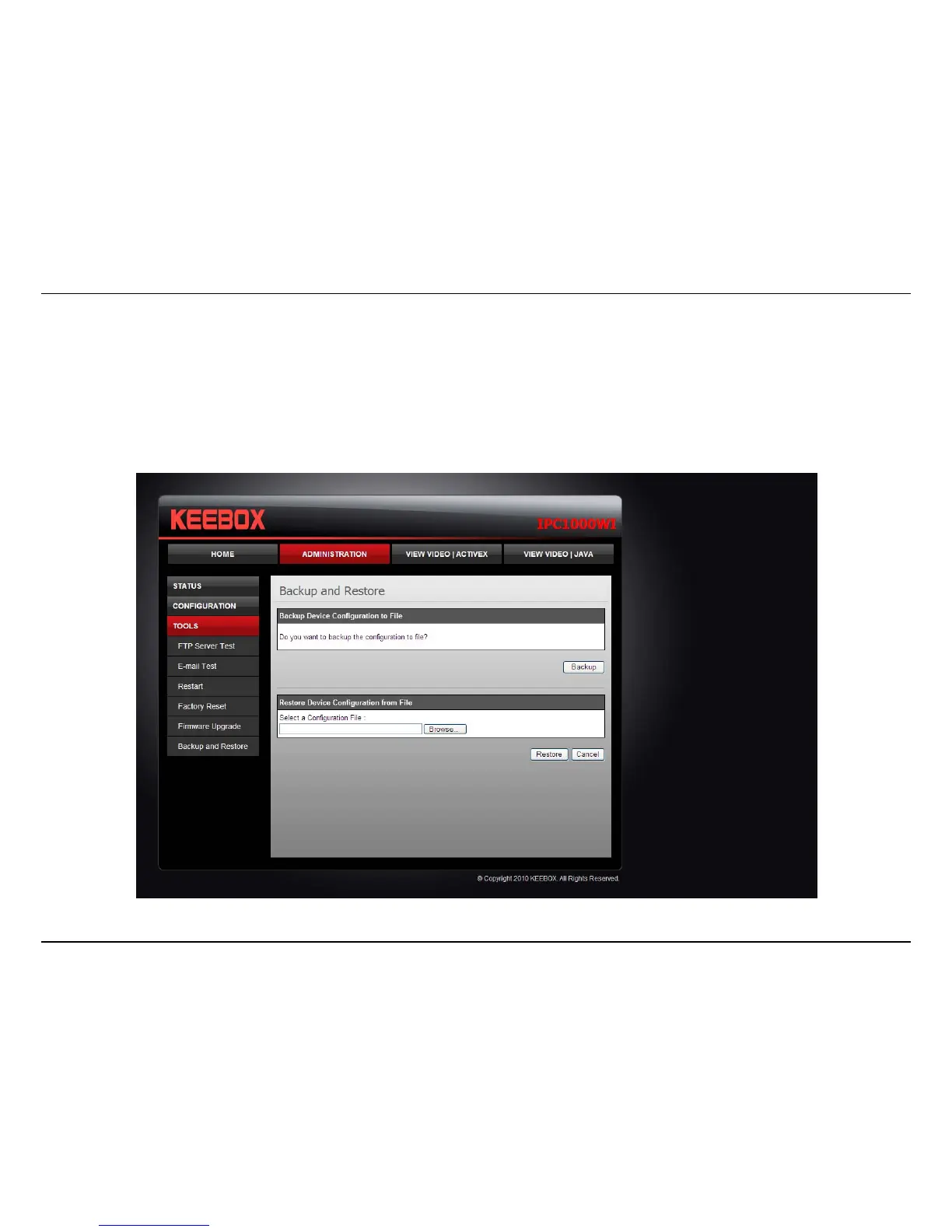
Backup and Restore
When you have set up the camera and you are satisfied with the settings, you can backup the settings to a file for future reference. If you should
change the settings and want to revert back to the previous settings, you can do so on this page. To backup the configuration, click Backup and
select a location to save the file, then choose Save. To restore settings from a configuration file, click Browse and locate the backup configuration
file on your hard drive then click OK. Click Restore to complete the process.



 To Next Page