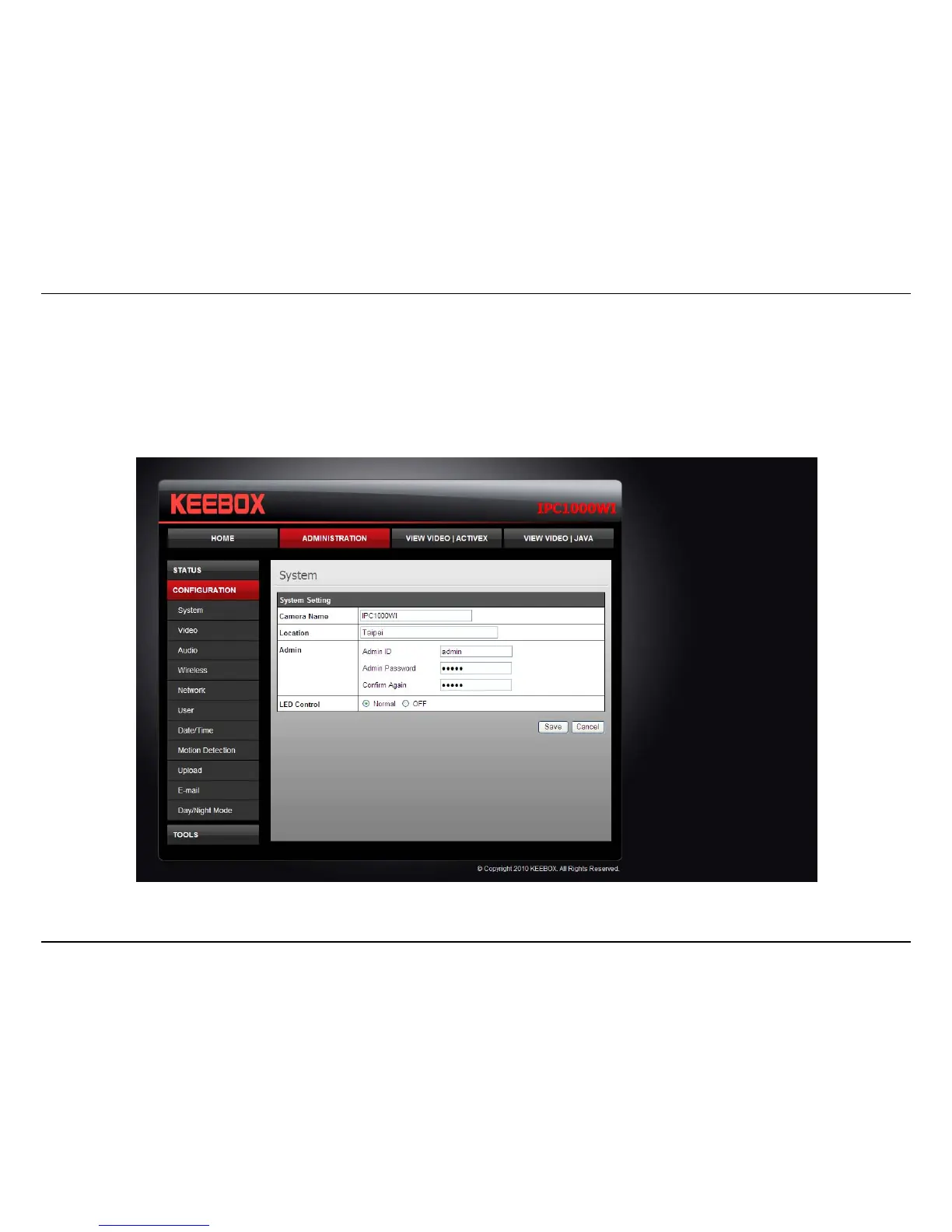
Configuration – Using the web-based configuration interface
56
System
• Camera Name: This is the name used to identify your camera on your network.
• Location: You can enter a description of the place where the camera is.
• Admin: In this field you can change the administrator user name and password.
• LED Control: Setting this to Normal will display the lights on the front of the camera indicating power and network activity. Setting this to
OFF will turn off both lights on the front of the camera.



 To Next Page