Configuration – Using the web-based configuration interface
63
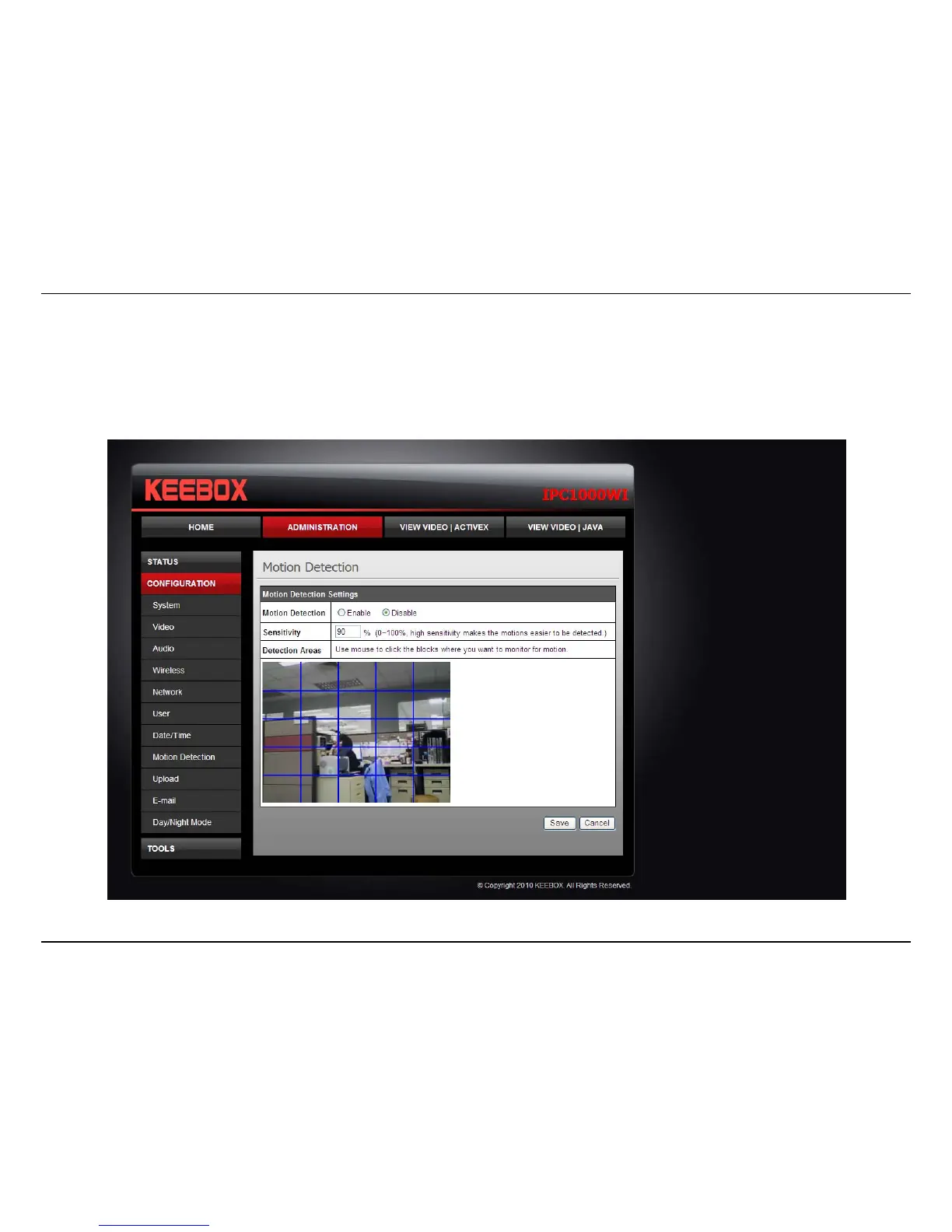
Motion Detection
• Motion Detection: Select whether to Enable or Disable motion detection. This will allow your camera to perform different functions when
activity has been detected in the parts of the screen that you specify.
• Sensitivity: Set a percentage level to determine how sensitive the camera is to activity.
• Detection Areas: From the live image shown on this screen, you can left-click on blocks of the grid shown to indicate which parts of the
screen you would like to monitor for motion.



 To Next Page