11
DNX4230TR
How to Use the Navigation System
1
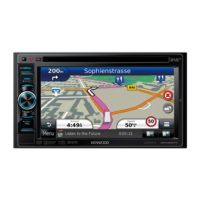
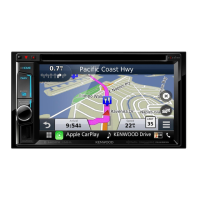
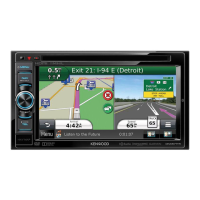
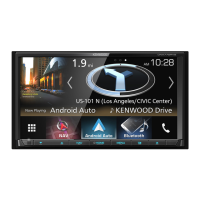
Press the <NAV> button to display the navigation screen.
2
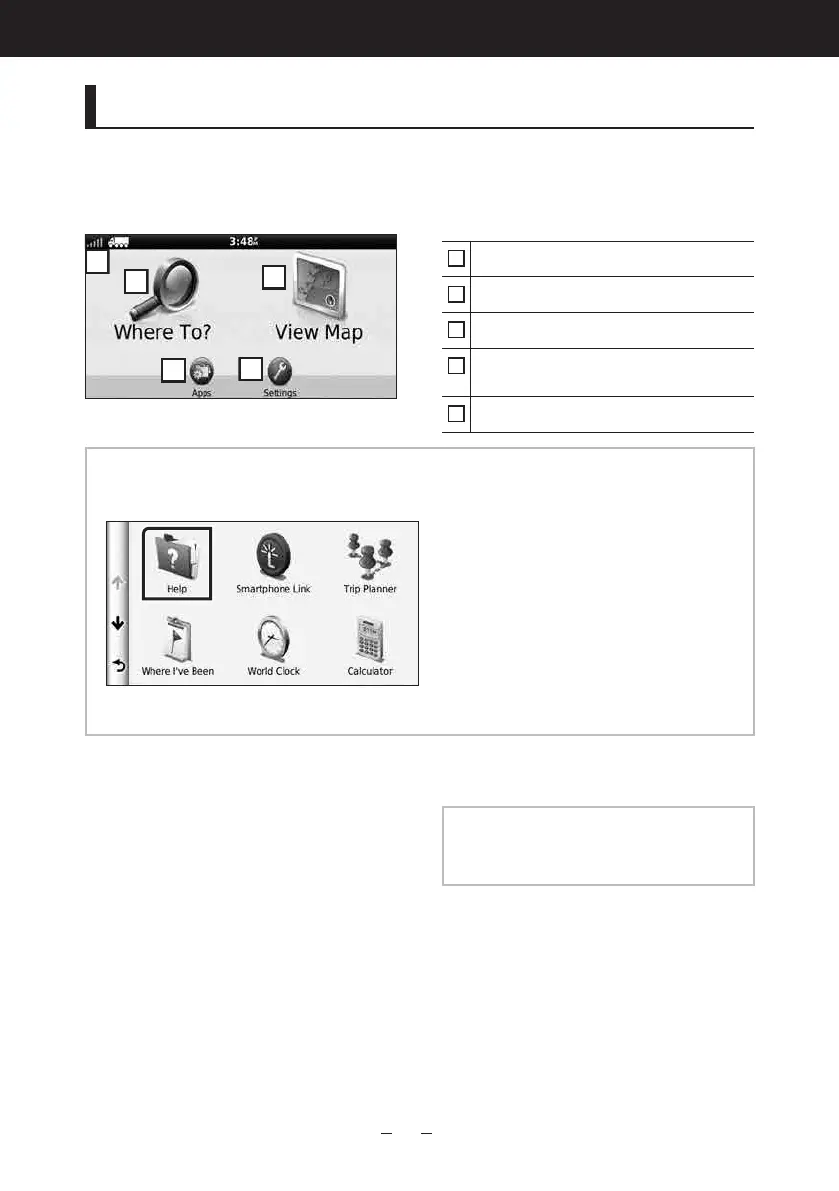
Operate the desired function from the Main Menu screen.
GPSsatellitestrength.
Findsadestination.
Viewsthemap.
UsestheAppssuchasTripPlannerand
Help.
Adjuststhesettings.
NOTE
•YoucangetadditionalinformationaboutusingthenavigationsystemfromHelp.TodisplayHelp,
touch[Apps]andthentouch[Help].
•Formoreinformationaboutyournavigationsystem,downloadthelatestversionoftheOwner’s
Manualfrommanual.kenwood.com/edition/im366.
3
Enter your destination and start the guidance.
Finding points of interest
1) Touch [Where To?].
2) Select a category and a
subcategory.
3) Select a destination.
4) Touch [Go!].
NOTE
•Toenterletterscontainedinthename,
touchtheSearchbarandentertheletters.
Continued




 To Next Page