17
DNX4230TR
How to Listen to the Radio
1
Touch [Menu] on any screen.
Top Menu screen appears.
2
Touch [TUNER].
The unit switches to the radio source.
3
Operate on the source control screen.
Station search
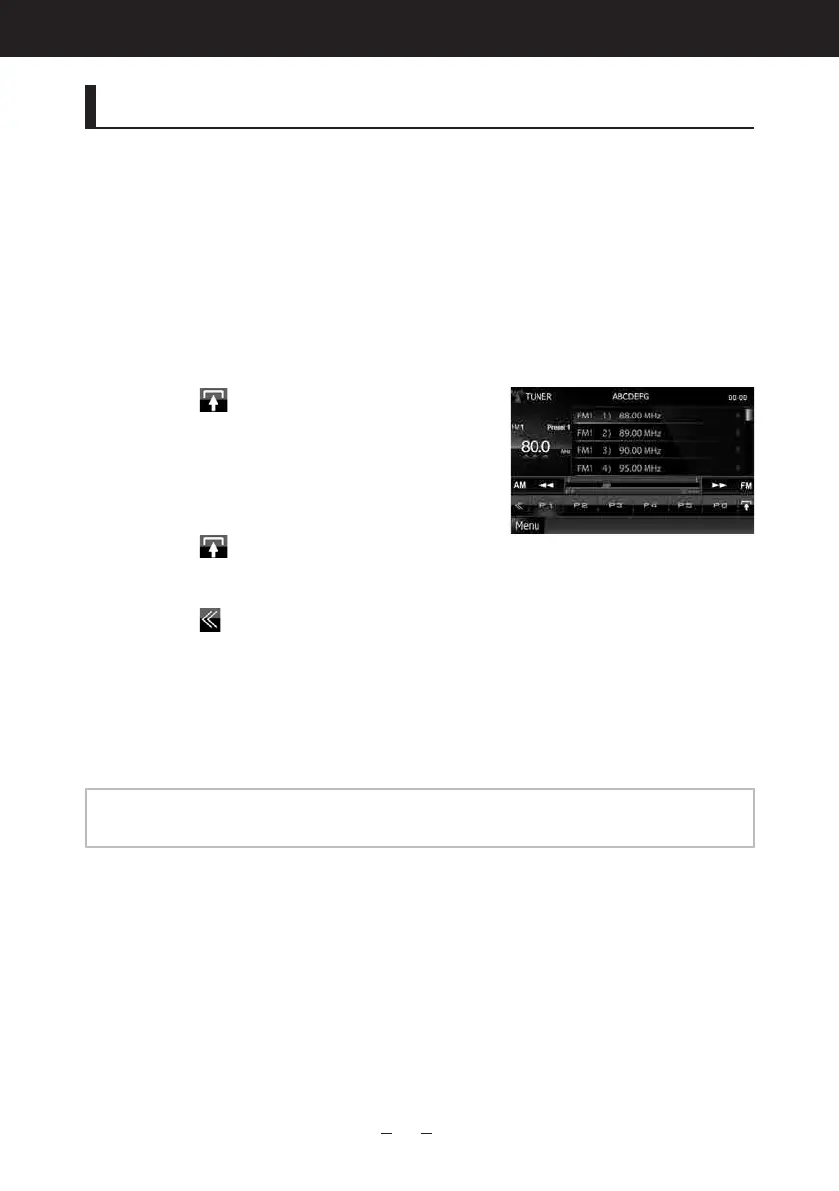
1) Touch [
].
Subfunctionmenuappears.
2) Touch [AM] or [FM] to select the band.
3) Touch [4] or [¢] to tune in the desired
station.
Auto memory
1) Touch [
].
Subfunctionmenuappears.
2) Touch [AM] or [FM] to select the band.
3) Touch [
].
4) Touch [AME].
5) Touch [4] or [¢] in the sub function menu.
Automemorystarts.
Recalling the preset station
1) Touch [P#].
Youcanalsodisplaythepresetlistbytouchingthefrequencydisplayinthecenter.
NOTE
•Forotheroperations,seeRadio Basic Operation (P.52) intheInstructionManual.




 To Next Page