15
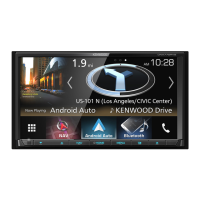
DNX4230TR
2
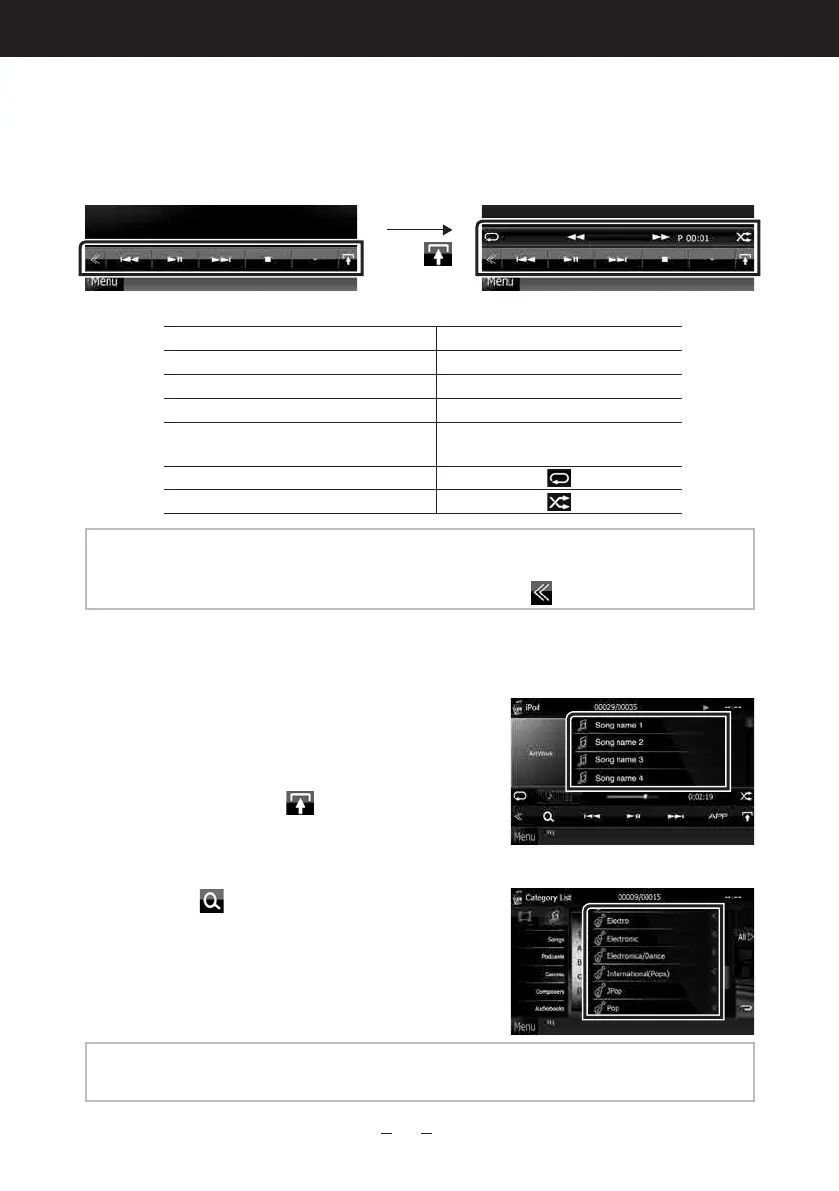
Control the music you are listening to on the source control
screen.
The following symbols indicate the keys on the screen.
The functions of the keys are the same despite the difference of the source you are listening to.
Touch [
]
Basic operations from this screen
Plays or pauses:
38
Stops playing:
7
Disconnects the device:
0
Searches the previous/next content:
4 ¢
Fast forwards or Fast backwards (Disc
media, CD, USB device only):
1 ¡ or
move the cursor in the center bar
Repeats current content:
Plays all contents in random order:
NOTE
•Forotheroperations,refertotheInstructionManual.
•Ifdesiredkeyisnotdisplayedinthemulti-functionbar,touchthe[
]toswitchthemenu.
3
Search the track/file you want to listen to.
List search
1) Touch center of the screen.
Thecontentlistofthemediabeingplayedis
displayed.
Iftheinformationofthecurrenttrackonly
isdisplayed,touch[
]toswitchthelist
display.
Refined search
1) Touch [
].
2) Touch the desired refinement method.
Thelistisrefinedbytheitemyouselected.
3) Touch the desired item.
NOTE
•Fordetailsonsearchingoperations,refertoSearch Operation (P.40)intheInstructionManual.




 To Next Page