10
Quick Start Guide
Common Operations
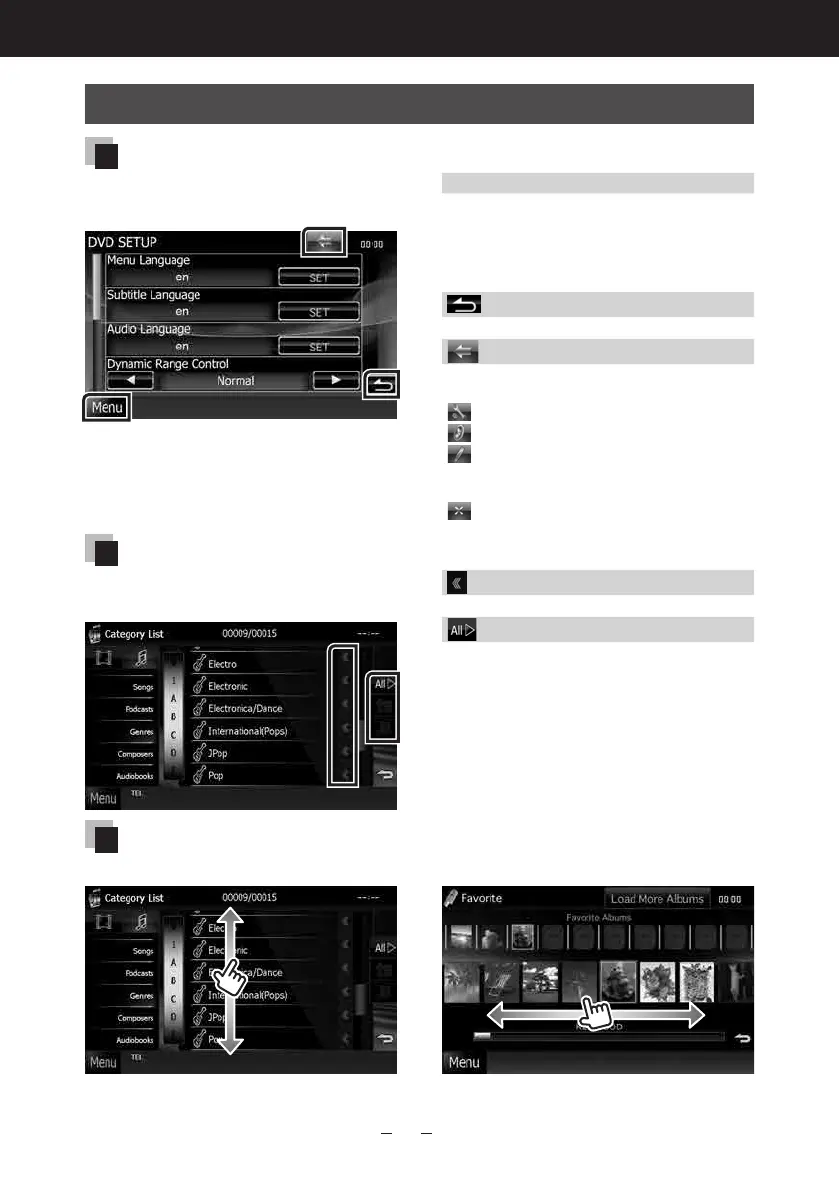
General
There are some functions which can
be operated from most screens.
[Menu]
ReturnstotheTopMenuscreen.
Touchingforatleast1seconddisplaysthe
ScreenControlscreen.(Evenwhenanimage
isdispalyed,touchingforatleast1second
displaystheScreenControlscreen.)
(RETURN)
Returnstopreviousscreen.
(common menu key)
Touchtodisplaythecommonmenu.The
contentsofthemenuareasfollows.
:DisplaystheSETUPMenuscreen.
:DisplaystheAudioControlMenuscreen.
:Displaysthecontrolscreenofcurrent
source.Iconfeaturediffersdependingon
thesource.
:Closesthemenu.
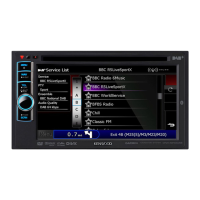
List screen
There are some common function
keys in the list screens of most sources.
(Scroll)
Scrollsthedisplayedtext.
etc.
Touchkeyswithvariousfunctionsare
displayedhere.
Displayedkeysdifferdependingonthecurrent
audiosource,status,etc.
Forexamples,seeList screen (P.21)inthe
InstructionManual.
Flick scrolling
You can scroll the list screen by flicking the screen up/down or right/left.



 To Next Page