9
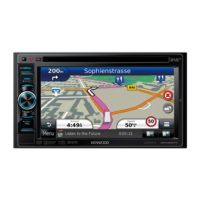
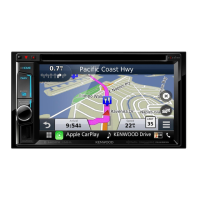
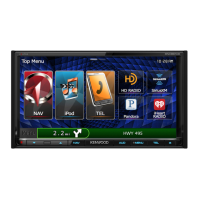
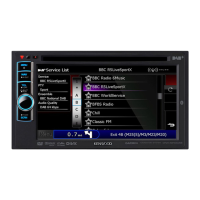
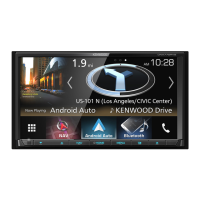
DNX4230TR
Number Name Motion
Discinsert
slot
Aslottoinsertadiscmedia.
0(Eject)
•Ejectsthedisc.
•Pressingfor1secondejectsthediscforcibly.
fi(Reset)
•Iftheunitortheconnectedunitfailstooperateproperly,theunitreturns
tofactorysettingswhenthisbuttonispressed(Instruction Manual
P.109).
•IftheSecurityIndicator(SI)functionisturnedon,thisindicatorflashes
whenthevehicleignitionisoff(Instruction Manual P.80).
Remote
Sensor
Receivestheremotecontrolsignal.
MENU •DisplaystheTopMenuscreen(Instruction Manual P.19).
•Pressingfor1secondturnsthepoweroff.
•Whenthepoweroff,turnsthepoweron.
NAV •Displaysthenavigationscreen.
•Pressingfor1secondswitchesAVoutsources.
VolumeKnob •Turningadjustsvolumeupordown.
•Pressingswitchesattenuationofthevolumeon/off.
•Pressingfor1seconddisplaysToneControlscreen(Instruction Manual
P.96).*
TEL •DisplaystheHandsFreescreen(Instruction Manual P.67).
•Pressingfor1seconddisplaystheVoiceRecognitionscreen.(Instruction
Manual P.72).
microSD
cardslot
AmicroSDcardslotforupgradingthemap.Forhowtoupgradethemap,
refertotheinstructionmanualofthenavigationsystem.
*ThedisplaymaynotswitchtotheToneControlscreeninsomeconditions.



 To Next Page