6
Quick Start Guide
First Step
Power on the unit and perform some
setup steps before using.
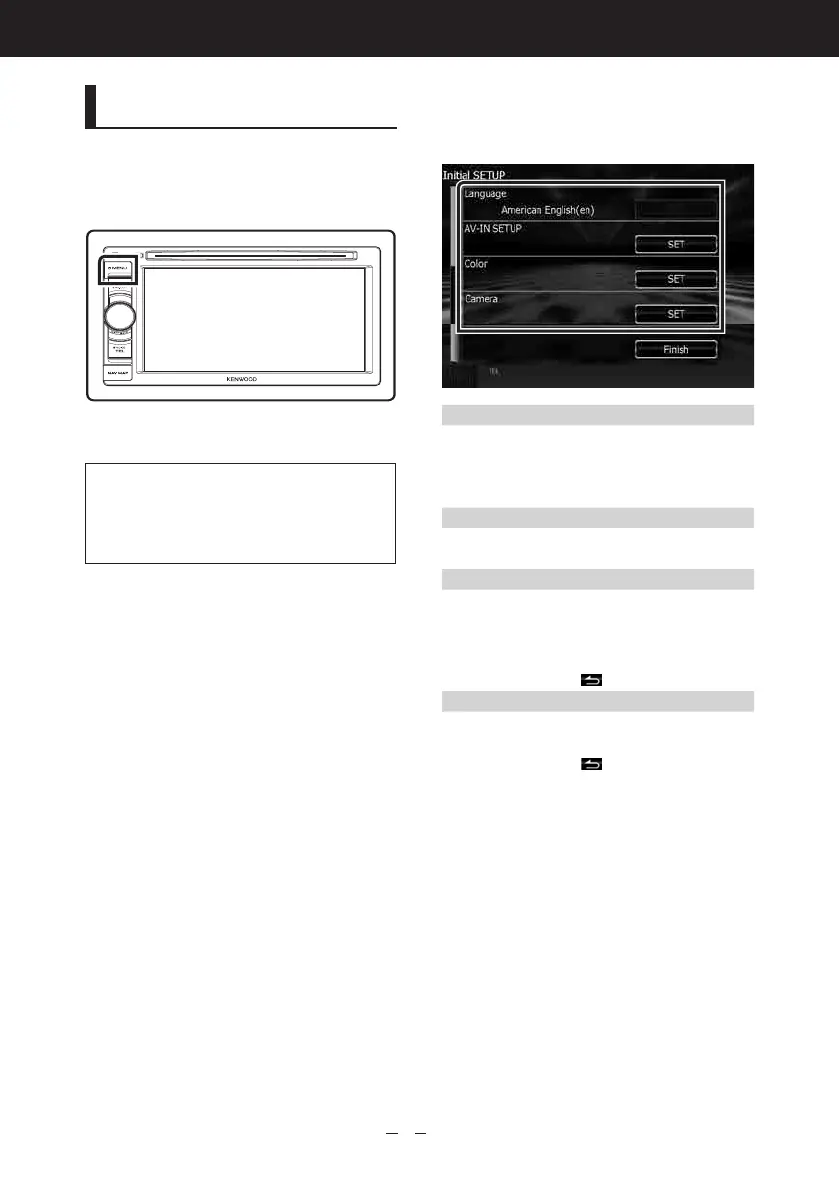
Press the <MENU> button.
The unit is turned on.
The “Initial setup” is only necessary
when you use the unit for the first
time after purchase, and when you
reset the unit.
1
Touch the corresponding
key and set the value.
Language
Selectthelanguageusedforthecontrol
screenandsettingitems.Defaultis“British
English(en)”.(InstructionManualP.79)
Aftersetting,touch[Enter].
AV-IN SETUP
Select the source connect to AV-IN. (Instruction
ManualP.88)
Color
Setthescreenandbuttonilluminationcolor.
Youcanselectwhethertoperformcolorscan
andadjustscanningcolor.(InstructionManual
P.83)
Aftersetting,touch[
].
Camera
Settheparametersforthecamera.(Instruction
ManualP.86)
Aftersetting,touch[
].



 To Next Page