User’s Manual
Published on February 2017 UMn°154 – rev.05 22
This document and any information disclosed herein are the property of Keopsys and constitutes and contains proprietary information.
Receipt or possession of this document does not confer or transfer any right to duplicate, use disclose any information
6. Network communication
6.1. Network configuration
By default, the DHCP protocol on the device is enable. his mode the device requests to your network
for an appropriate IP address, so the benchtop should find automatically a working IP on your network.
To get the device IP, go to Options > IP Settings menu on the man-machine interface (see §7).
If the DHCP protocol is not enable or if your network doesn’t provide DHCP protocol, go to Options >
IP Settings menu on the man-machine interface (see §7) and select Configuration to setup IP settings.
6.2. The Web Server Interface (WSI)
The Web Server Interface is not available on all device, please check device specifications.
6.2.1. Access to the WSI
To access to the WSI, you need a computer:
• With any operating systems
• Connected to the network
• Internet Navigator (like IE 8, Edge, Firefox, Chrome) with the support of JavaScript.
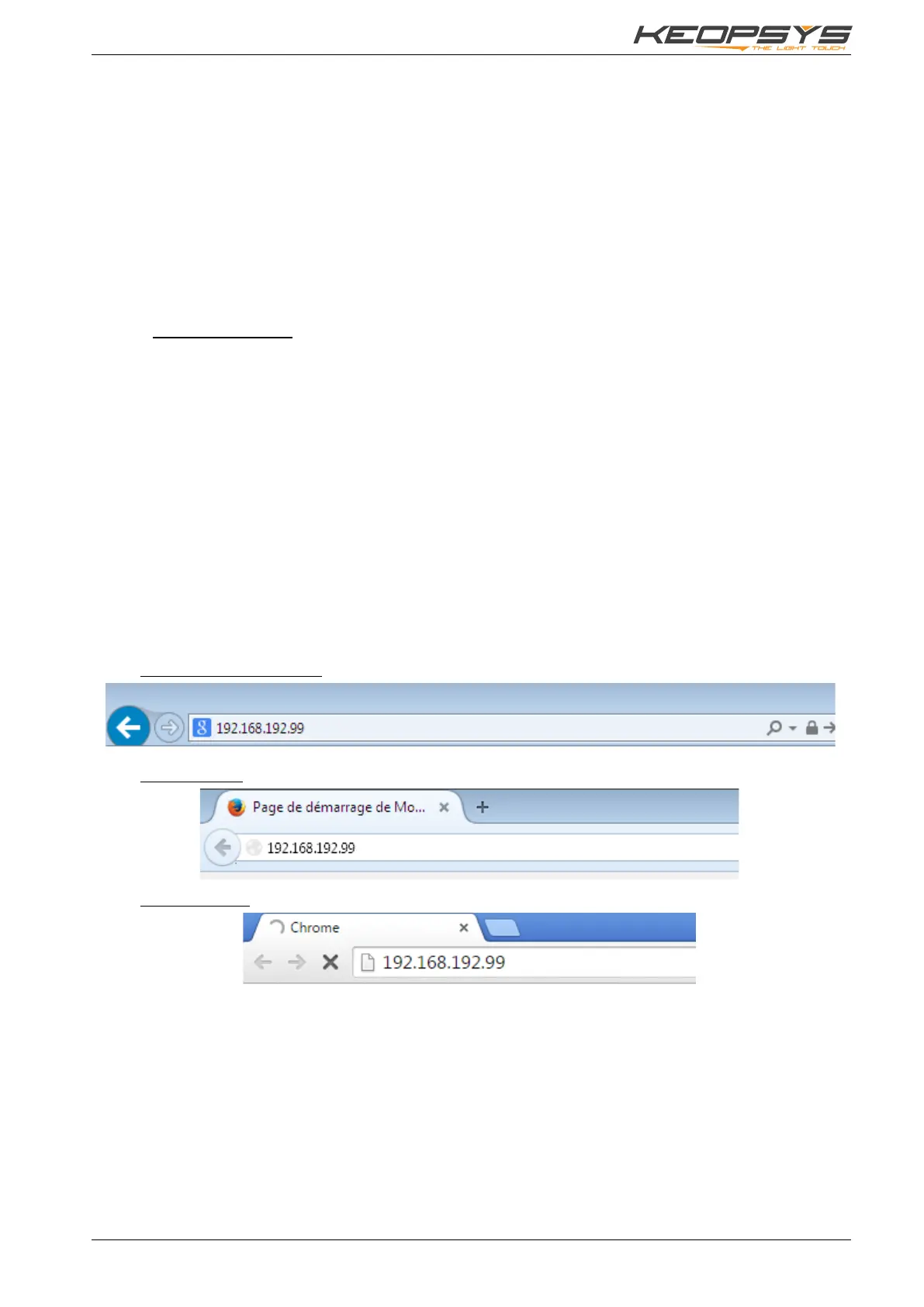
If your computer is connected to the same local network of the device: you just have to type the IP
address of the device in your navigator (get the IP address of your device from the menu Options > IP
Settings).
If your computer is connected on another network, you may ask to your IT manager the public IP
address of the device network and to redirect http request to the device. Type in your navigator the public
IP address.
If the device is already configured with a public IP address, from any computer connected to internet,
you can access to the WSI by typing the public IP address in your navigator.
Here are some examples of several navigators with the IP address typed in the navigation bar:
With Internet Explorer:
With Firefox:
With Chrome:


 To Next Page